

BlueWallet - a Bitcoin wallet for BTC, Watch-only, and Multisig
 Website
 Type
Type Keys
Keys


BlueWallet
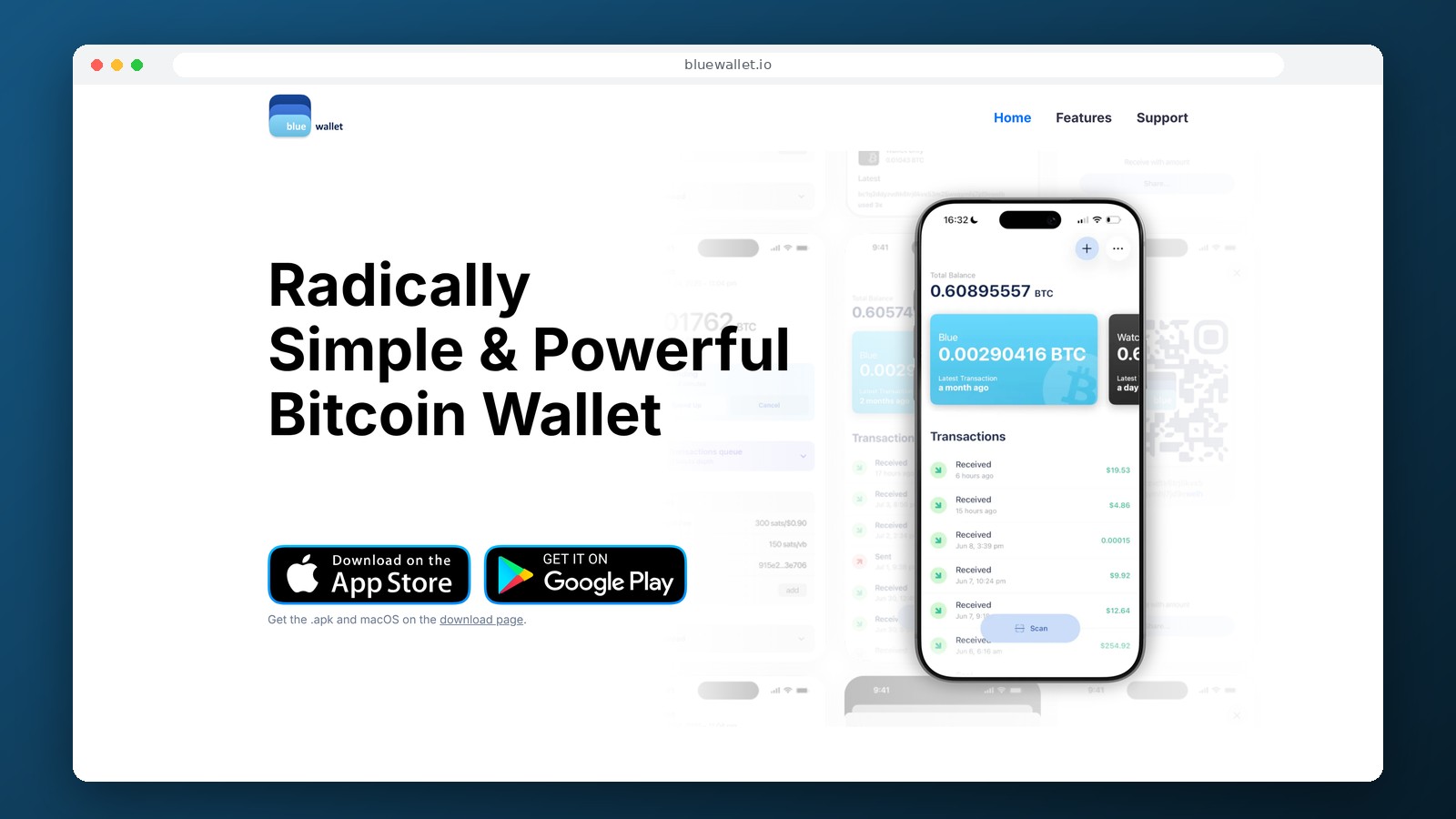
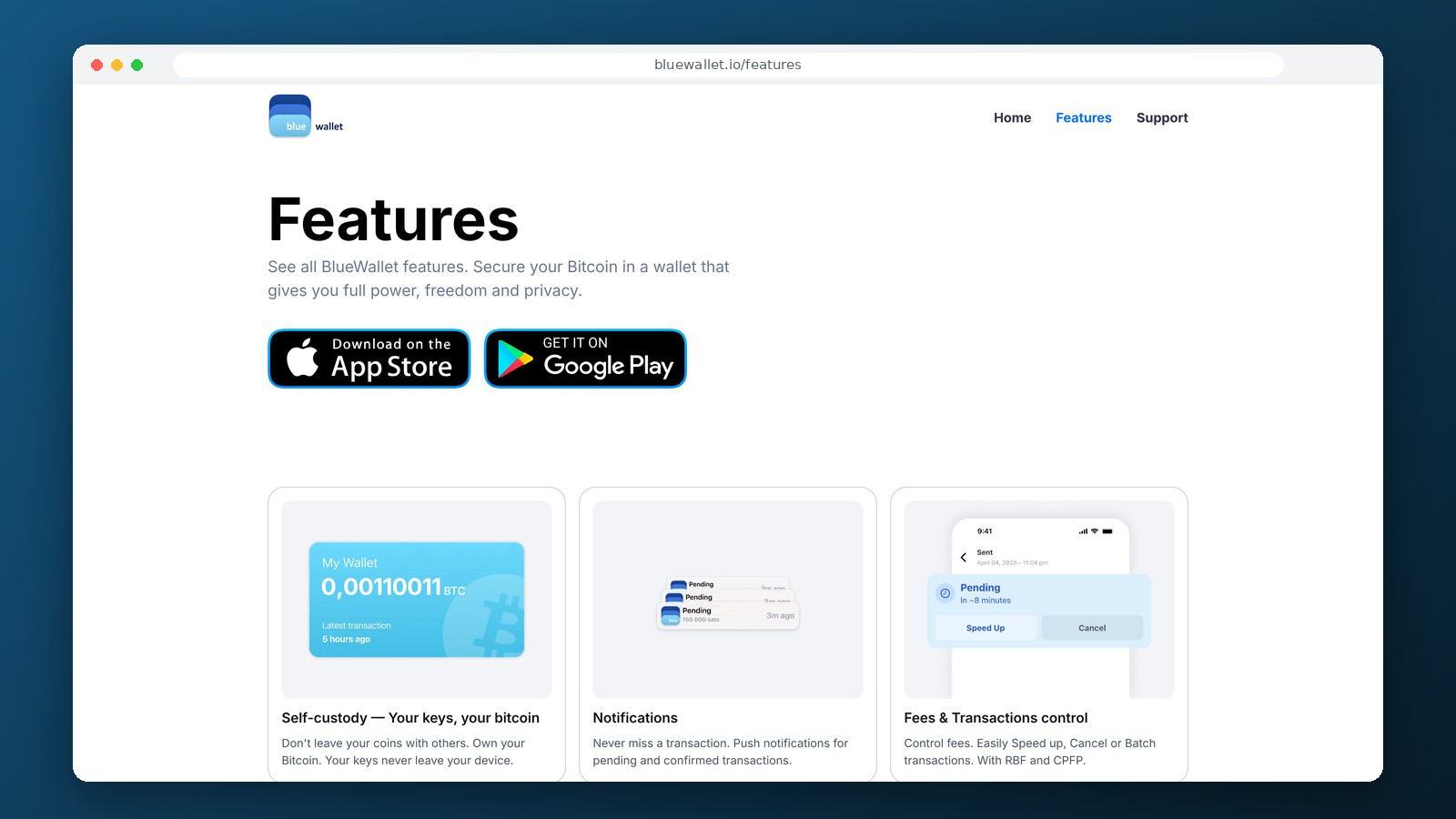
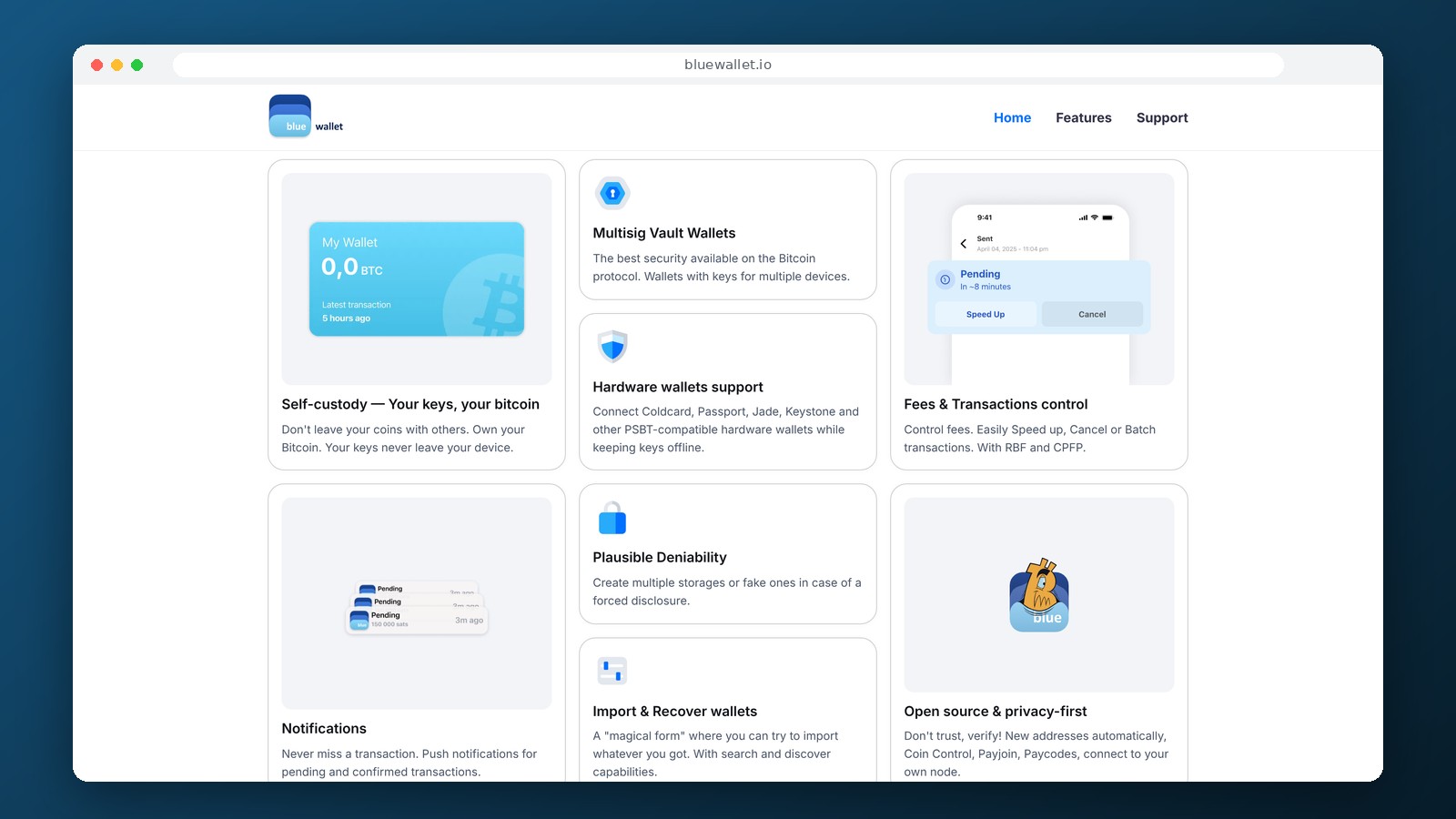
BlueWallet is a non-custodial crypto wallet for Bitcoin that supports standard BTC transfers, monitoring of cold addresses, and multi-signature wallets. It works with real Bitcoin on the Bitcoin network, not with wrapped tokens on other blockchains. The private keys for a standard wallet remain on the owner’s device. In addition to iOS and Android, an app for macOS and a separate Chrome extension called Portfolio are available for viewing addresses without the ability to sign transactions.
What operations is BlueWallet suitable for?
BlueWallet is primarily designed for sending and receiving BTC. The wallet generates addresses, displays incoming and outgoing transactions, shows confirmations, and allows you to adjust the fee when sending. Unlike universal crypto wallets, there is no single portfolio for Ethereum, Solana, and USDT here. It is a specialized tool for those who store or transfer Bitcoin and want to understand how a transaction is formed.
BlueWallet offers several options for working with BTC:
- a standard non-custodial Bitcoin wallet for storage and payments;
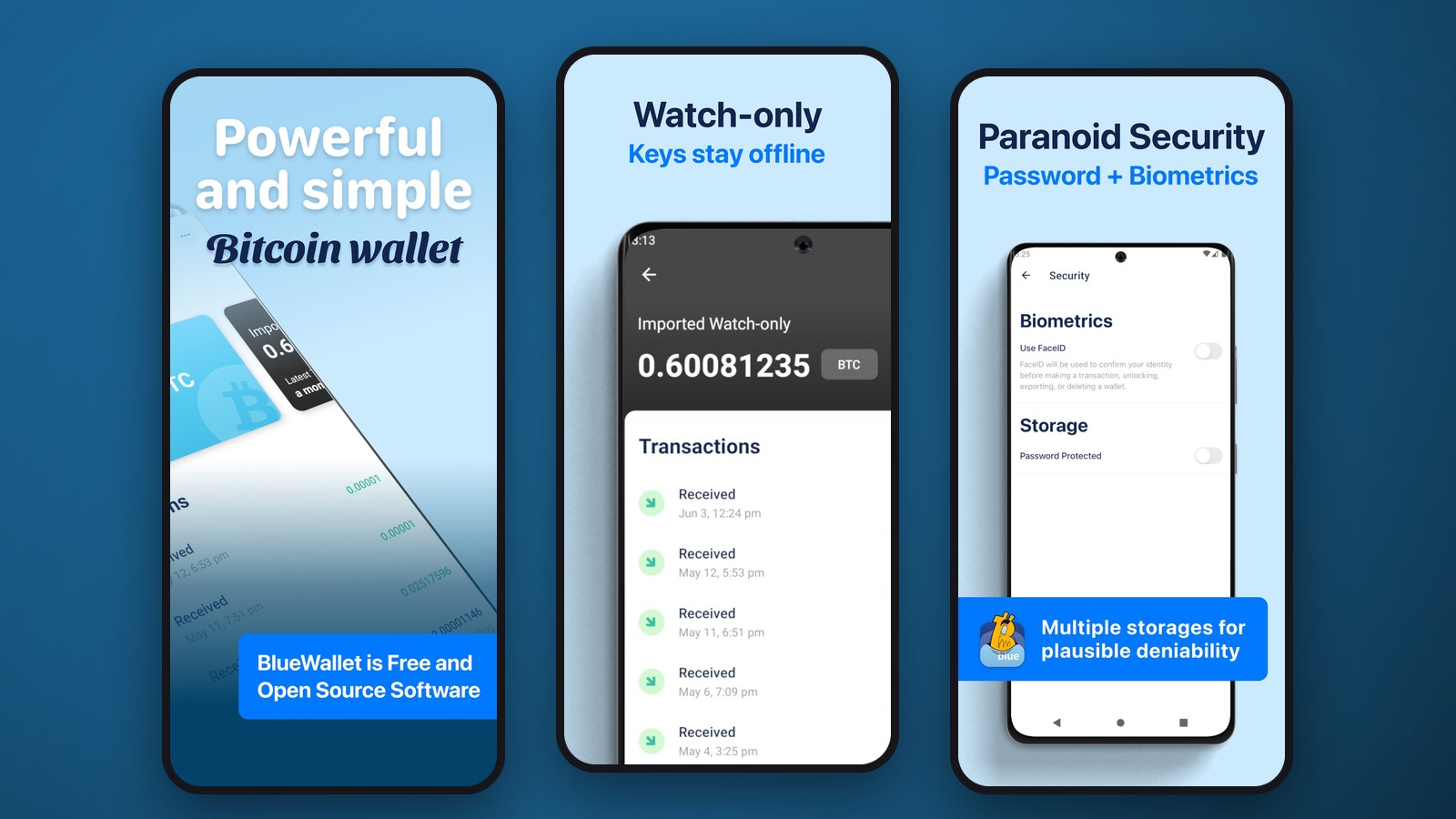
- Watch-only mode for monitoring addresses where keys are stored separately;
- Multisig Vault, where multiple key signatures are required to send funds;
- interaction with compatible hardware wallets via PSBT;
- Lightning when connecting your own compatible node via LNDhub.
These are different modes, not features that are automatically enabled in every wallet. A standard BTC wallet is sufficient for simple transfers. Watch-only and Multisig require separate configuration.
Watch-only and Bitcoin Cold Storage
Watch-only mode allows you to add a public address or an extended public key (xpub, ypub, or zpub). Your balance and transaction history are visible in the app, but no private keys are stored on your phone. This is a convenient way to monitor a hardware wallet or cold storage without transferring data that grants the right to spend BTC to your everyday smartphone.
To send from a cold address, BlueWallet can prepare a PSBT—a partially signed Bitcoin transaction. The signature is generated on a hardware device or another isolated wallet, after which the completed transaction is sent back to be broadcast to the network. Importing an xpub alone does not allow you to withdraw funds. However, the extended public key reveals the transaction history and set of addresses for the corresponding account: you should not disclose it to third parties.
Multisig Vault: Multiple Keys Instead of One
BlueWallet supports multi-signature. The default configuration for a new Vault is 2 out of 3: any two of the three keys are required to spend BTC. You can set a different scheme in the advanced settings. It makes sense to store the keys on different devices and in different locations; keeping all keys on a single phone does not provide the full benefit of multi-signature.
A Vault is suitable for long-term savings, family storage, and joint management of funds. In addition to your seed phrases, you must save the Vault configuration, including public keys and signature rules. Recovering a multisignature wallet differs from recovering a regular BTC address, so verifying your backup before making a large deposit is especially important.
Lightning, Fees, and Transaction Speed
Standard BTC transactions go through the main Bitcoin network. The fee depends on the transaction size in virtual bytes and the mempool congestion, rather than on a fixed BlueWallet rate. If necessary, you can choose the fee, use RBF to increase the bid, or use CPFP if these mechanisms are available for a specific transaction. The program also allows you to manage individual UTXOs via Coin Control.
For Lightning, BlueWallet requires a self-hosted node or a compatible LNDhub. BlueWallet’s public LndHub ceased operations in 2023: you cannot create a new wallet on it or fund an existing one. Therefore, the claim of instant Lightning payments immediately after installing the app is inaccurate. It makes sense for users who understand the concept of channels, running their own nodes, and reserving access to enable Lightning.
Installation, Recovery, and Security
BlueWallet is available on iPhone, Android, and macOS. There is no official app for Windows or Linux. For Android, an APK is available from the official repository, while the Chrome Portfolio browser extension is intended solely for monitoring assets. After creating a standard wallet, save your recovery phrase offline. Do not share it with support and do not enter it on pages that offer to “verify” or “synchronize” your wallet.
For owners of hardware wallets, the correct procedure is to import the public key, create a transaction, sign it on the device, and verify the recipient’s address on the screen of the signing device. This reduces the risk of a key leak via an internet-connected computer or smartphone.
Frequently Asked Questions
Can I store USDT, ETH, and TON in BlueWallet?
No. BlueWallet specializes in Bitcoin and is not designed to store USDT, Ethereum, or TON.
Does Lightning work without your own node?
Not as a ready-made, built-in service. Lightning requires access to a compatible node via LNDhub; BlueWallet’s public node is offline.
Is it possible to view a hardware wallet without importing a seed phrase?
Yes. In Watch-only mode, you import a public address or an xpub/ypub/zpub. Transaction signing remains on the hardware device.
Can I withdraw BTC from BlueWallet directly to a bank card?
There is no built-in universal withdrawal feature to a card in rubles. To sell BTC, a separate platform is used, the availability of which depends on the country and its terms of service.
Editor’s Opinion
BlueWallet is especially useful for those who don’t need access to dozens of blockchains, but rather control over their own bitcoins. Watch-only mode, PSBT, support for hardware wallets, and multi-signature provide the flexibility needed for secure storage without transferring keys to your primary phone. A standard BTC wallet is sufficient for beginners, but Vault and Lightning require some preparation: a mistake in the backup scheme could prove more serious than the lack of a convenient exchange button. For Bitcoin, this is a functional option; for USDT, transfers between different networks, and direct withdrawals to a bank card, you’ll need a different service.
Ask a question to a company representative