

Exodus - a multi-currency crypto wallet for PCs and smartphones
 Website
 Type
Type Keys
Keys


Exodus
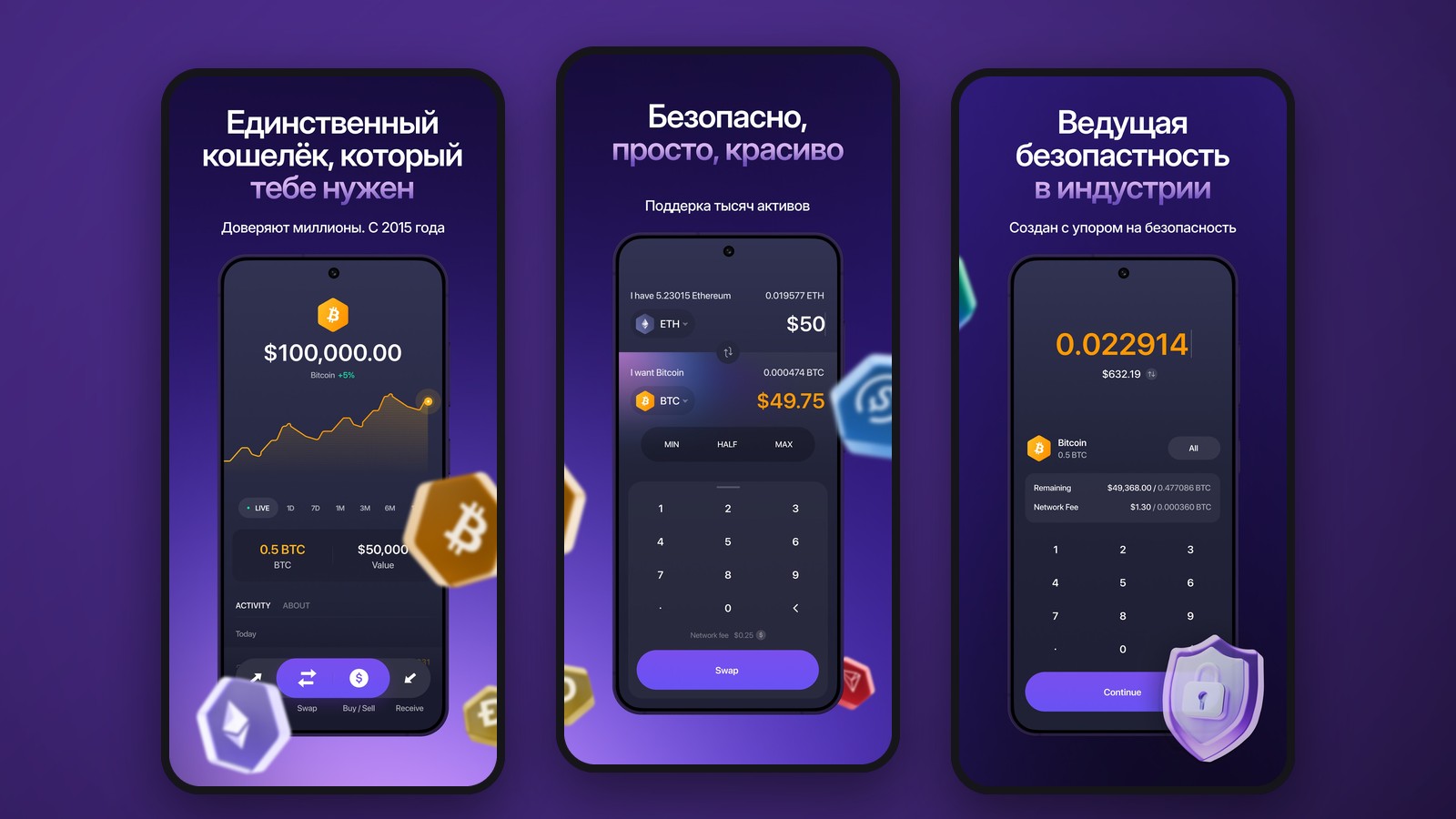
Exodus is a non-custodial, multi-currency crypto wallet for computers, phones, and browsers. It brings together Bitcoin, Ethereum, Solana, TRON, and dozens of other blockchains in a single interface. The app lets you receive and send cryptocurrency, monitor your portfolio, connect to Web3 services, and make exchanges. No email registration is required to create a standard wallet: private keys and backup data remain under the owner’s control.
Supported Networks and Cryptocurrencies
Exodus works with more than 50 blockchain networks. The list of supported assets includes BTC, ETH, SOL, TRX, USDT, USDC, and other coins and tokens. Note that the same ticker may exist on multiple networks simultaneously. Separate routes are used for USDT, including Ethereum, TRON, and other supported blockchains. Before receiving a transfer, you must open the specific asset and copy the address of the exact network on which the sender plans to make the transfer.
A BTC transfer cannot be substituted by sending tokenized BTC on Ethereum, and TRC-20 USDT cannot be sent to an ERC-20 USDT address without a compatible exchange transaction. In Exodus, the token’s network is indicated on the asset card. If you send an unsupported version of a coin, the funds may not appear in your wallet. Outgoing transfers require the native coin of the corresponding blockchain, such as ETH for Ethereum or SOL for Solana.
Exodus Versions for Different Devices
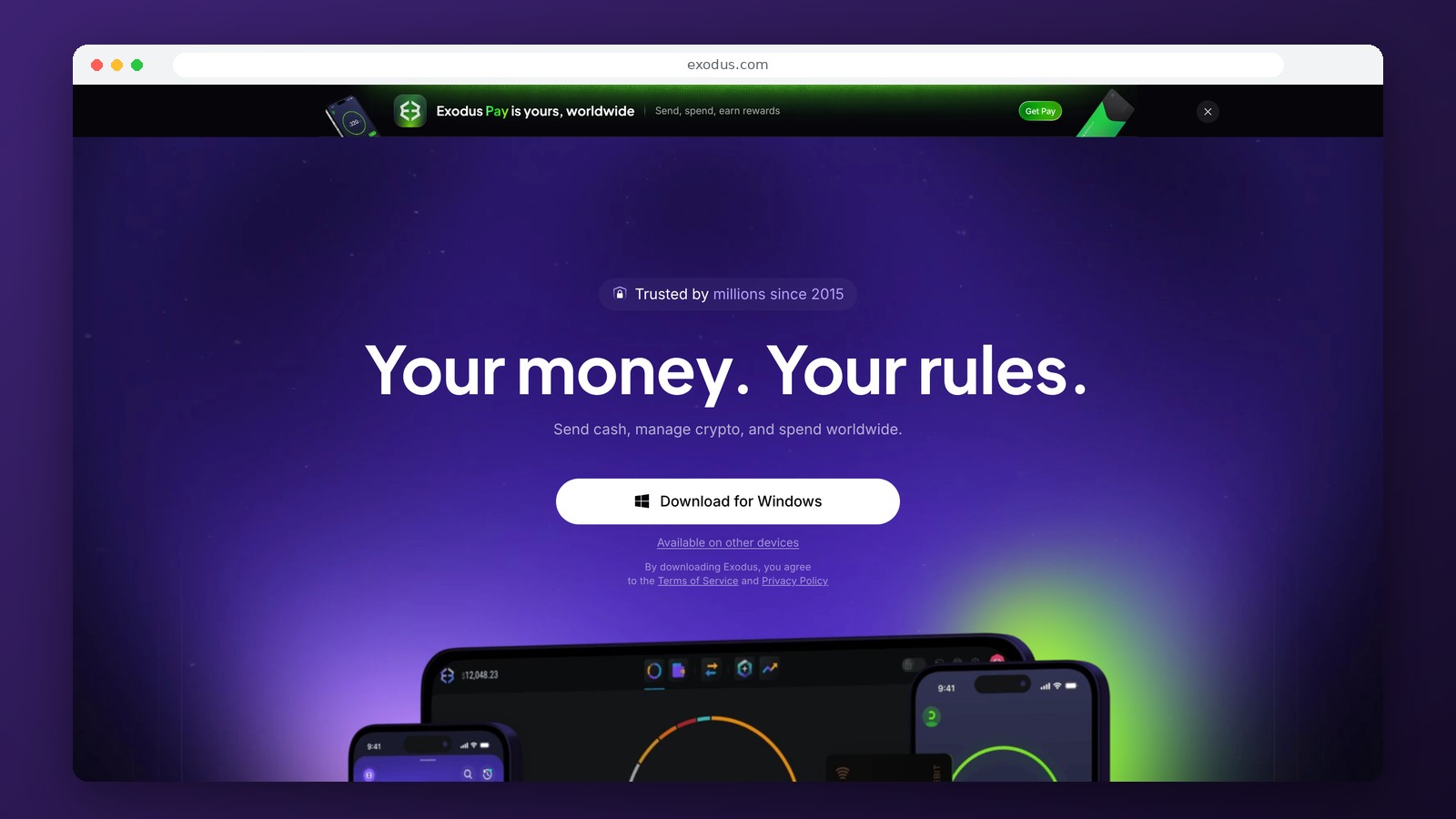
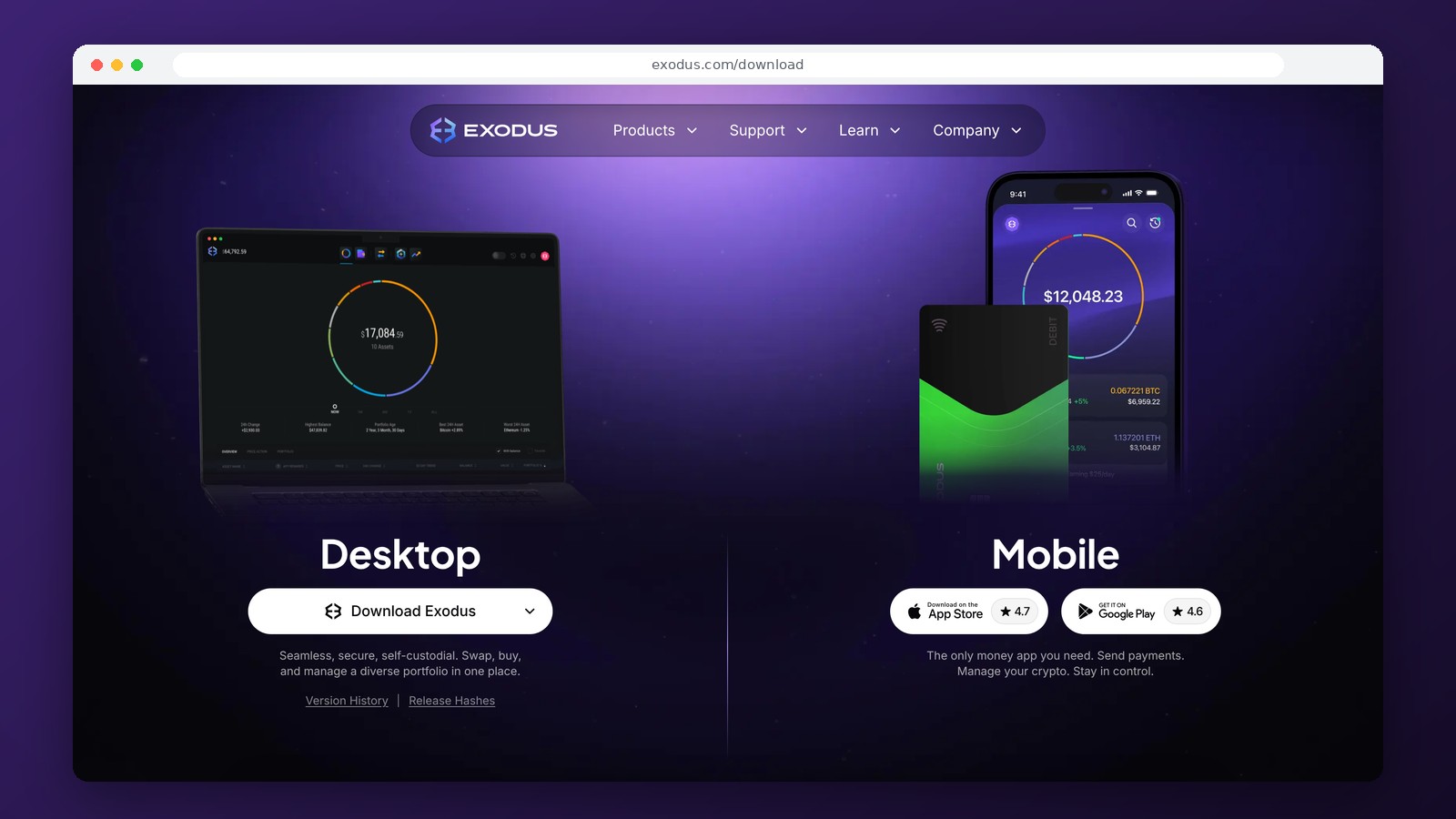
The app is available for Windows, macOS, Linux, iOS, and Android. The browser-based Web3 Wallet is designed to work with compatible decentralized applications. The desktop version is convenient for viewing a large portfolio and managing transaction history, while the mobile version is ideal for sending funds and checking your balance on the go.
Exodus supports connecting certain hardware wallets. The desktop app offers integration with compatible Trezor models. On mobile devices, the Ledger Nano X and Ledger Flex are supported via Bluetooth, but only for a specific list of networks, including Bitcoin, Ethereum, Solana, Base, Polygon, and TRON. The hardware wallet and the standard Exodus app use different recovery phrases, so they cannot be considered a single account once connected.
How Storage and Recovery Work
Exodus creates a wallet with a 12-word recovery phrase. This phrase ensures access to your funds even if you lose your phone or reinstall the app. If the owner has not saved a backup and the old device is unavailable, customer support will not be able to recover the private keys. During initial setup, you must write down the phrase away from your computer; do not send it to yourself via messenger or enter it on pages claiming to be mandatory “verification” steps.
Private keys are stored locally in encrypted form. However, if a computer is infected with malware or a user grants a dangerous permission to a smart contract, the non-custodial format alone does not guarantee security. For large reserves, it is advisable to use a hardware wallet and a separate address that is not connected to little-known dApps.
Fees, Exchanges, and Buying Cryptocurrency
Signing up for and using the standard Exodus is free. When sending cryptocurrency, you pay the fee charged by the respective blockchain, and Exodus does not retain this network fee as its own revenue. The built-in Exodus Swap uses third-party liquidity providers. Therefore, a swap may include a network fee and a spread—the difference between the asset’s market price and the actual transaction rate. There is no fixed percentage that applies to all pairs. Until confirmation, the app displays the amount you will receive after the swap.
Buying and selling cryptocurrency for fiat currency is carried out through payment partners. Depending on the provider, payment processing fees, limits, KYC requirements, and country-specific restrictions may apply. If a user is located in Russia, the ability to pay with a Russian card or receive rubles cannot be considered a standard feature of Exodus without first checking which payment partners are available. Withdrawing funds to a card may require a separate exchange service.
What Tasks Does Exodus Handle Best?
Exodus is convenient for managing assets across different blockchains without constantly switching between apps. Unlike specialized TON or TRON wallets, it allows you to view a broad portfolio, use different types of addresses, and select from available built-in exchanges. However, the interface does not eliminate the need to understand the networks: a blockchain error when sending USDT remains just as dangerous as in any other app.
Frequently Asked Questions
Which cryptocurrencies does Exodus support?
Bitcoin, Ethereum, Solana, TRON, and tokens from many other networks. Support for a specific version of USDT or another token depends on the selected blockchain.
Does Exodus charge fees for storage and transfers?
There are no fees for storage or creating a wallet. When sending, you pay the network fee, and when exchanging, a spread and third-party provider fees may apply.
Can I connect a Ledger or Trezor to Exodus?
Yes. Trezor integrates with the compatible desktop version, while the Ledger Nano X and Flex integrate with Exodus Mobile via Bluetooth for certain networks.
Can I recover my Exodus account if I lose my device?
Yes, provided that the 12-word recovery phrase has been saved. Without a backup and access to the old device, recovery may not be possible.
Editor’s Opinion
Exodus is a good fit for those who hold cryptocurrency across multiple blockchains and want to view it all in a single, intuitive interface. Its main practical advantage is the combination of desktop and mobile apps, a wide range of assets, and the ability to connect a hardware wallet. The convenience of the built-in exchange sometimes comes at the cost of a spread, which may be less favorable than a transaction on a separate platform. Therefore, it’s best to compare the final amount before confirming the exchange. For small, everyday transactions, Exodus is convenient as a universal software wallet. It’s wiser to store large, long-term amounts using hardware wallets, keeping the backup address keys and DeFi account keys separate.
Ask a question to a company representative