

My Wallet (MyTonWallet) - a multi-chain crypto wallet
 Website
 Type
Type Keys
Keys
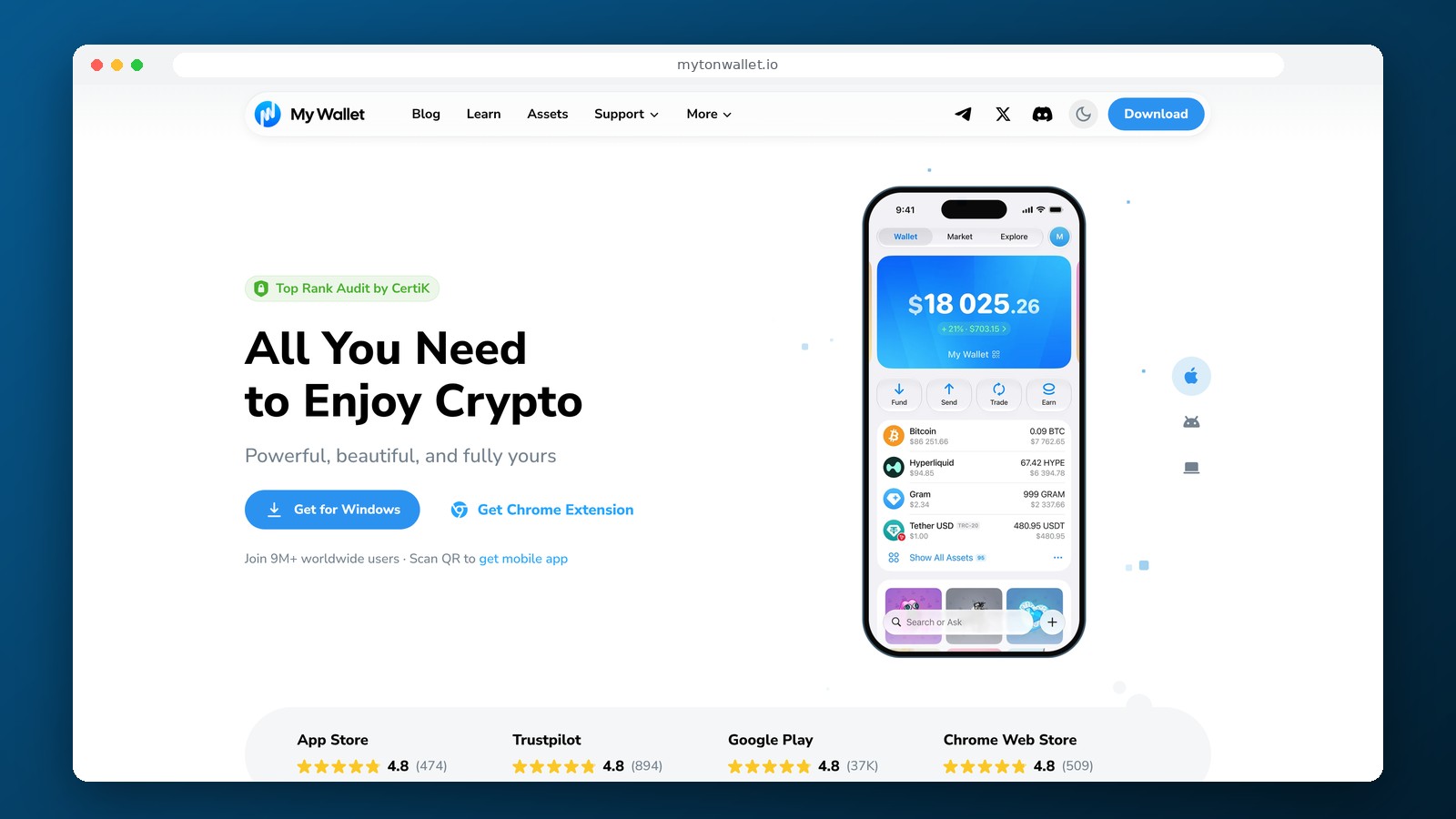


My Wallet (formerly MyTonWallet)
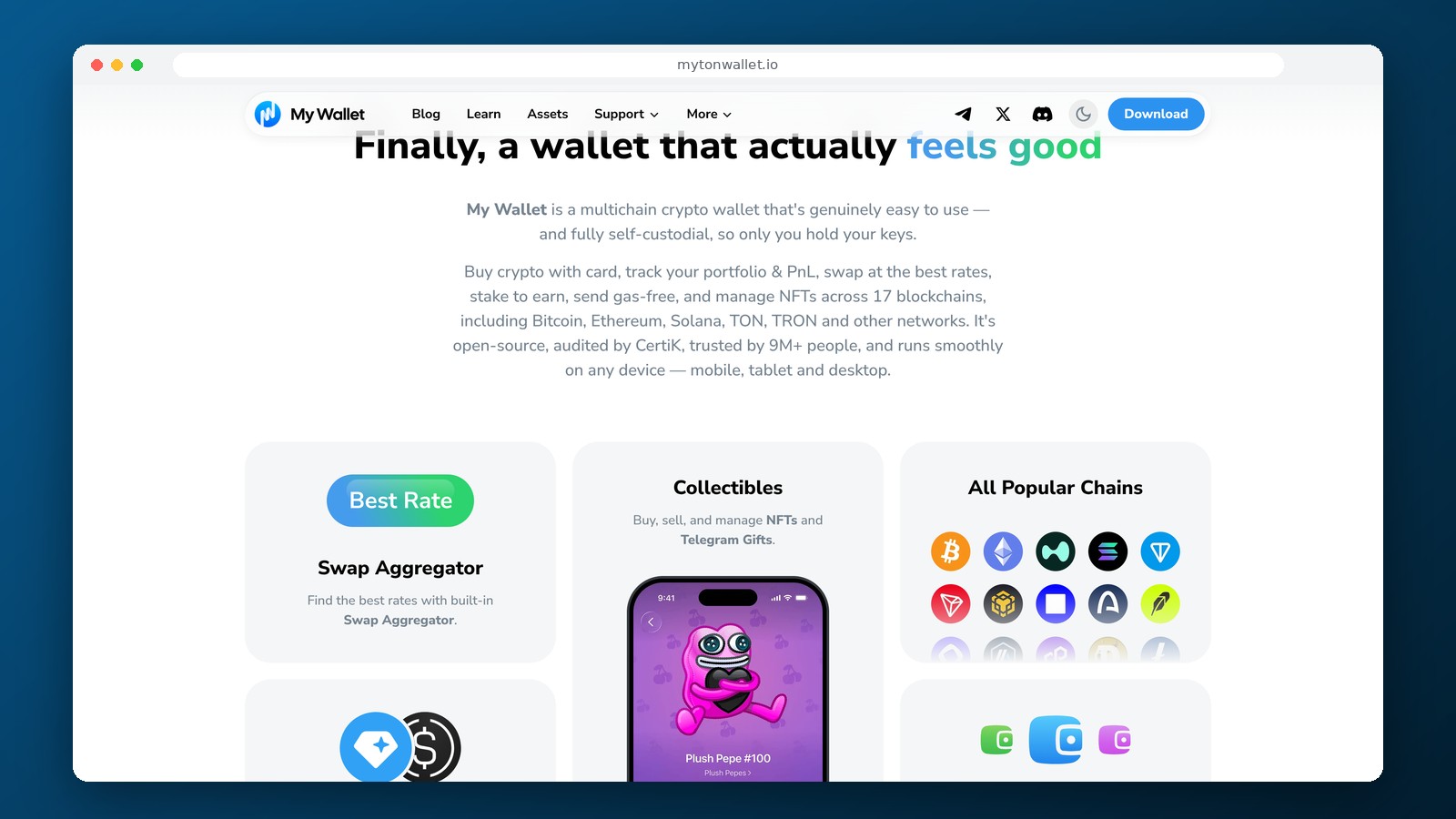
My Wallet is a multi-chain, non-custodial crypto wallet that was known as MyTonWallet until June 2026. Initially, the product was focused on TON, but it now supports Bitcoin, Ethereum, Solana, TRON, and other blockchains. The developers changed the name on June 17, 2026, while retaining the principle of self-custody. Existing MyTonWallet users continue to use TON, while new users can create a wallet for multiple networks within a single app.
Which cryptocurrencies does My Wallet support?
My Wallet supports Bitcoin, Ethereum, Solana, TON, TRON, BNB Chain, Base, Arbitrum, Polygon, Avalanche, Hyperliquid, and other networks. Each has its own addresses, tokens, and fee requirements. Support for USDT does not mean that the same address will work for all Tether variants. Before sending a transfer, you must select the appropriate blockchain and verify the network with the sender or exchange.
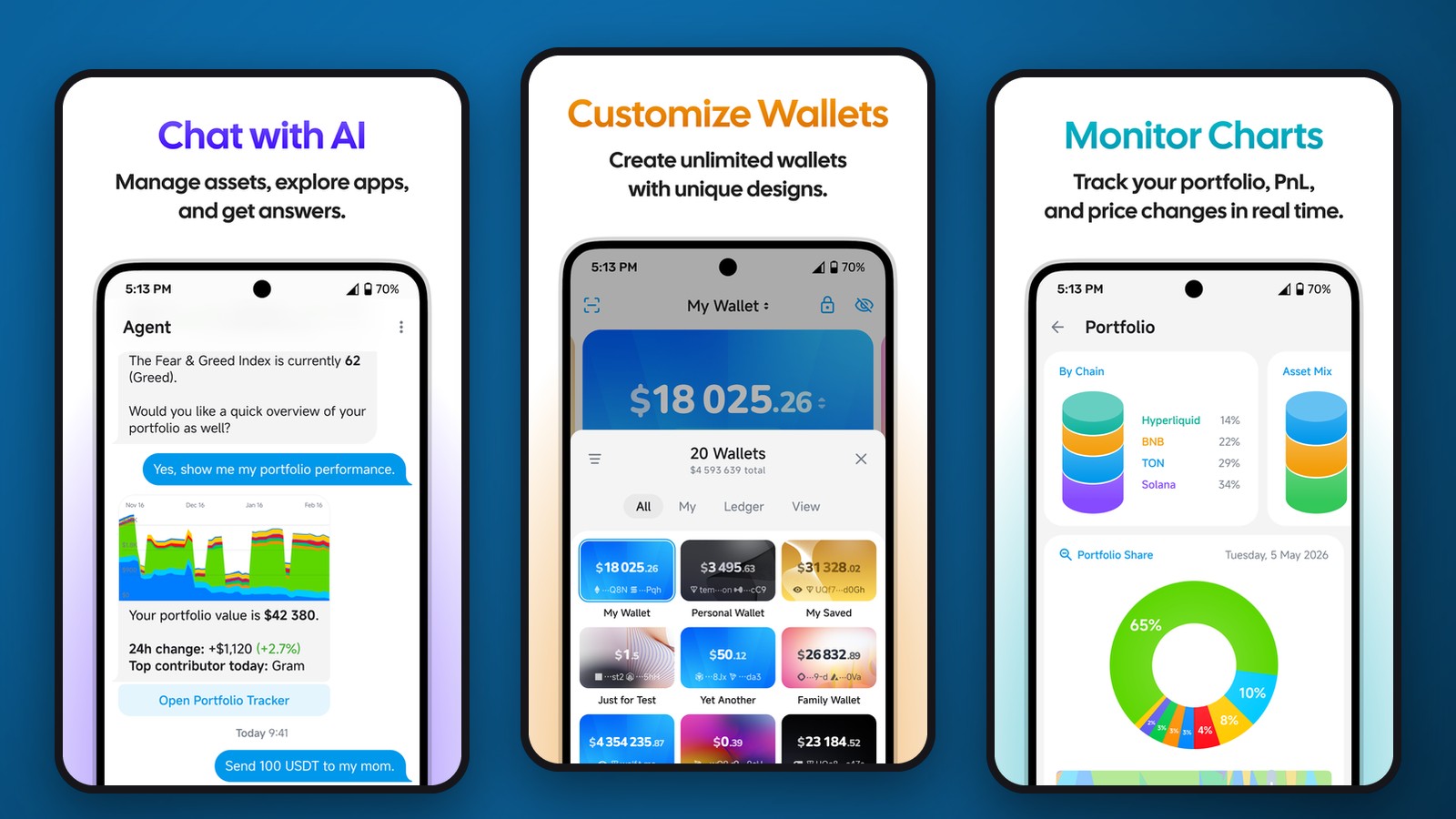
It’s convenient to manage different networks within a single interface: your portfolio balance, transaction history, and asset list are all accessible without having to install a separate program for each blockchain. For active users, this reduces the number of apps needed, but it doesn’t eliminate the technical differences between networks. For example, TRON uses TRX and Energy/Bandwidth resources, Ethereum pays for transactions with ETH, and Solana uses SOL.
Mobile app, desktop, and Telegram
My Wallet is available on iOS, Android, Windows, macOS, and Linux, as well as via a browser extension and a web version. There is also a Telegram Mini App. Using the app via Telegram does not turn the wallet into a custodial account within the messenger: the user retains control over their own keys. However, security depends on which interface is open and whether the link to the app has been tampered with.
Cross-platform support is especially convenient if you need to quickly confirm transfers on your phone while viewing your transaction history and managing multiple addresses on your computer. You can import a wallet using supported recovery formats, including TON and BIP39. Do not share your recovery phrases via Telegram or email solely for the purpose of syncing devices.
Exchanges, Fees, and Purchases
Creating and maintaining a wallet is free. For regular transfers, you pay the fees charged by the respective network. When exchanging cryptocurrency via the built-in aggregator, a service fee of 0.875% applies, to which network fees and exchange rate differences may be added. You should verify the final number of coins you’ll receive in the confirmation window, especially when dealing with small amounts and assets with low liquidity.
For some TON and Solana tokens, transfers are available without the need to first hold the native coin for gas fees: the fee is deducted via the supported Gasless mechanism. This feature is not available for all tokens and networks. Purchasing cryptocurrency with fiat and selling it with withdrawal to a card are processed through payment partners. Support for a specific country and card is determined by the selected provider, not by the availability of a mobile app.
Keys and Access Recovery
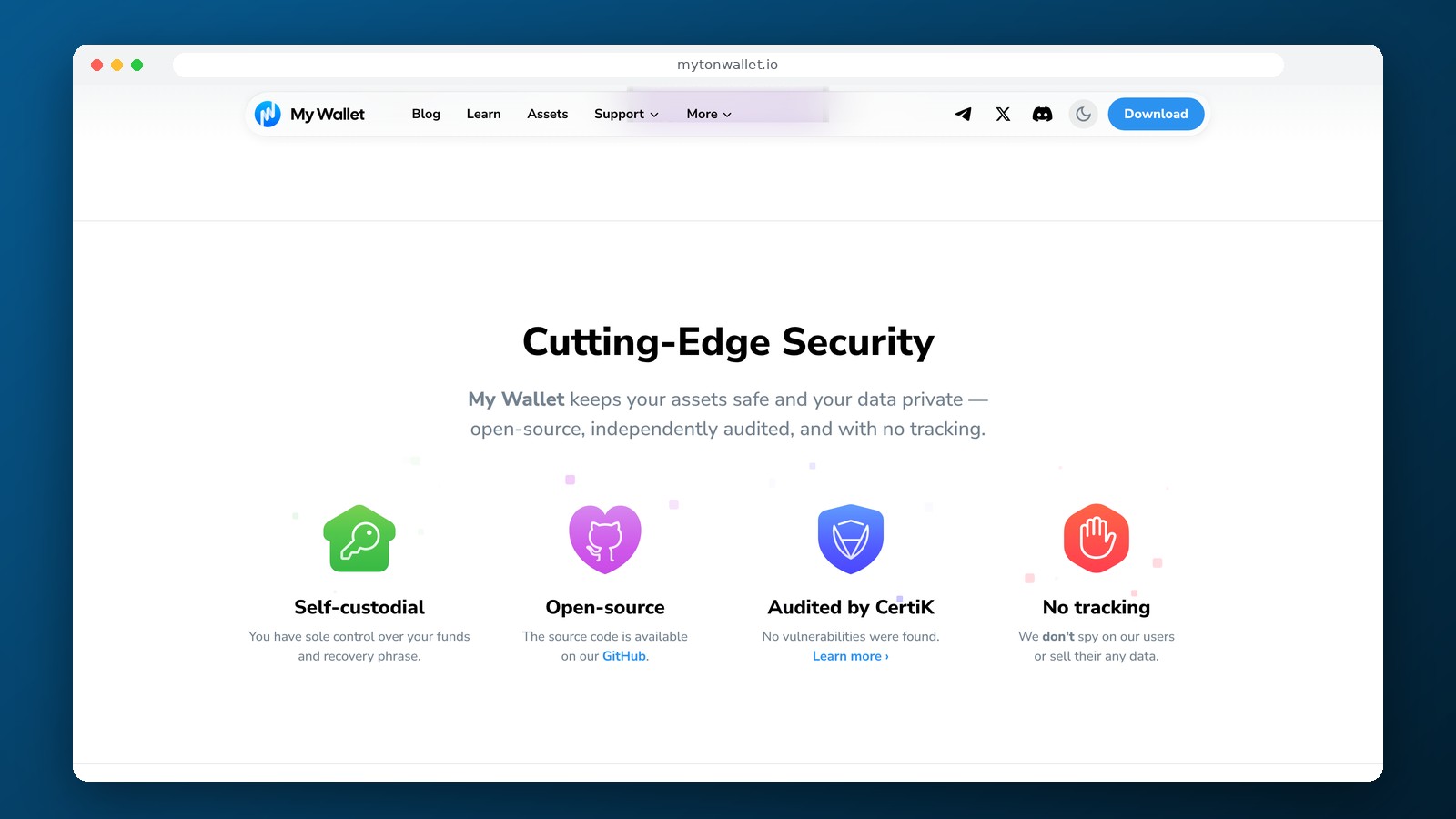
My Wallet does not store users’ private keys with a centralized operator. Recovery is performed using a recovery phrase or another method provided by the app, so you should create a copy of your access data immediately after installation. Open-source code allows you to examine the app’s architecture but does not protect against errors when sending funds or connecting to a malicious smart contract.
Built-in exchanges, staking, and DeFi applications may require permission confirmation. Before signing a transaction, it’s important to verify which assets and what amount the smart contract will be authorized to use. For long-term storage of a large reserve, it’s wise to separate your main address from addresses that regularly connect to third-party apps.
Who Should Use My Wallet
My Wallet is convenient for TON holders who no longer want to be limited to a single network, as well as users who work with Bitcoin, Ethereum, Solana, and TRON simultaneously. The most notable advantage is a unified ecosystem of devices and the ability to manage multiple blockchains without transferring private keys to an exchange. If cold storage is all that’s needed, a software wallet is no substitute for a hardware device with separate transaction confirmation.
Frequently Asked Questions
Are MyTonWallet and My Wallet different services?
No. My Wallet is the new name for MyTonWallet, effective June 2026. Existing TON wallets will continue to be supported.
Can I use My Wallet without verifying my ID?
Yes, KYC is not required to create a wallet on your own. Payment partners may request documents when buying or selling cryptocurrency.
Is there a fee for exchanging cryptocurrency?
For built-in exchanges, an aggregator fee of 0.875% applies. Network fees and exchange rate differences may also apply.
Can I store TRC-20 USDT and TON USDT in the same app?
Yes, on the respective supported TRON and TON networks. When depositing or withdrawing, you must select the correct address and blockchain.
Editor’s Opinion
My Wallet has become a significantly more comprehensive product than the previous MyTonWallet. Moving away from a focus solely on TON makes sense for those who actively use multiple blockchains and want to keep their addresses under their own control. The desktop version and support for the Telegram Mini App are useful, but both features require careful attention to links and backup data. The built-in exchanges save time, but the 0.875% fee makes it important to compare the final amount with alternative platforms. Self-custody remains the main advantage and, at the same time, the owner’s responsibility: the service will not be able to recover funds if all keys are lost. My Wallet is convenient for everyday transfers, but for large, long-term reserves, it’s worth considering hardware wallets separately.
Ask a question to a company representative