

Phantom - a crypto wallet for Solana, Bitcoin, and USDT
 Website
 Type
Type Keys
Keys


Phantom
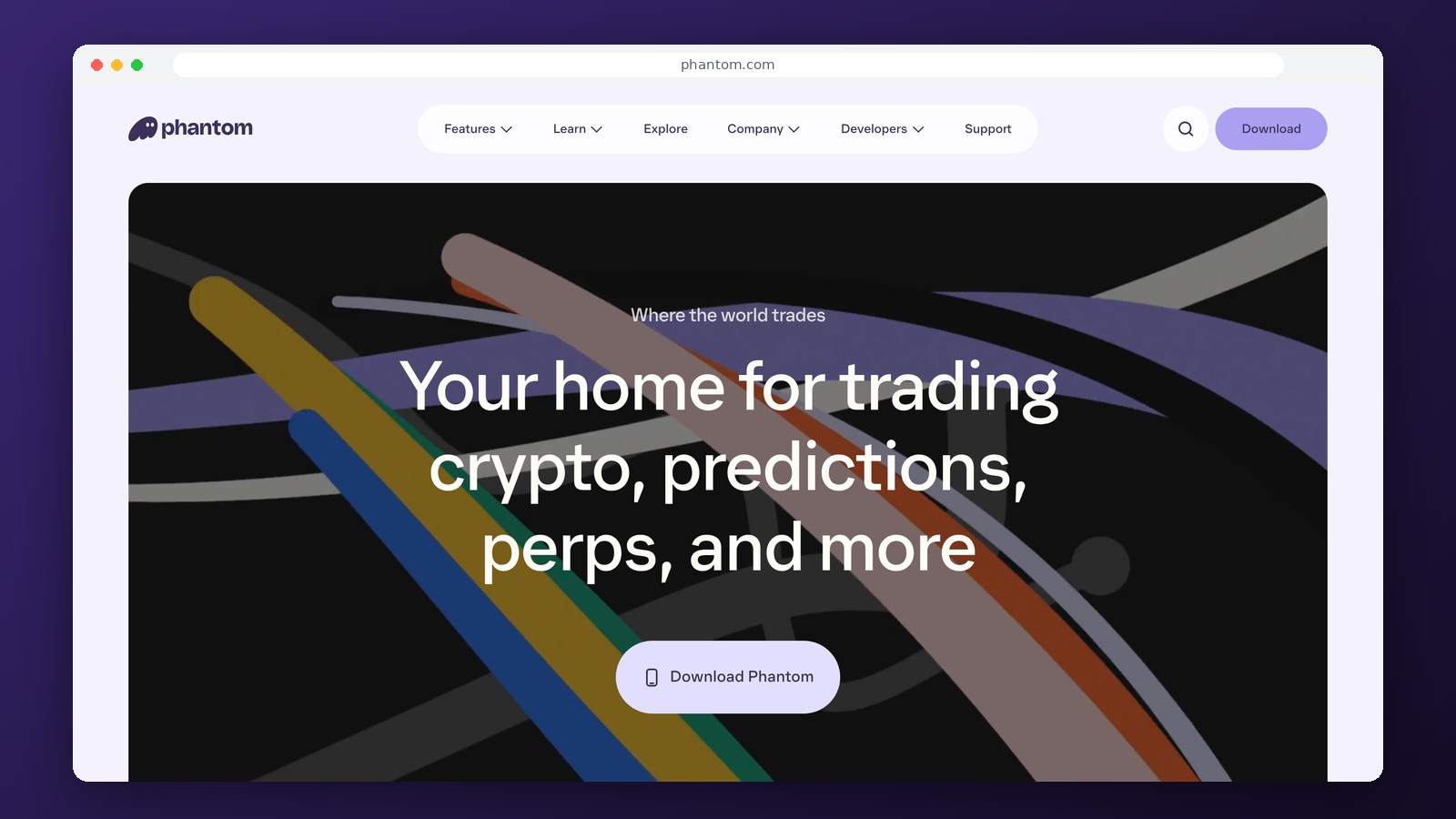
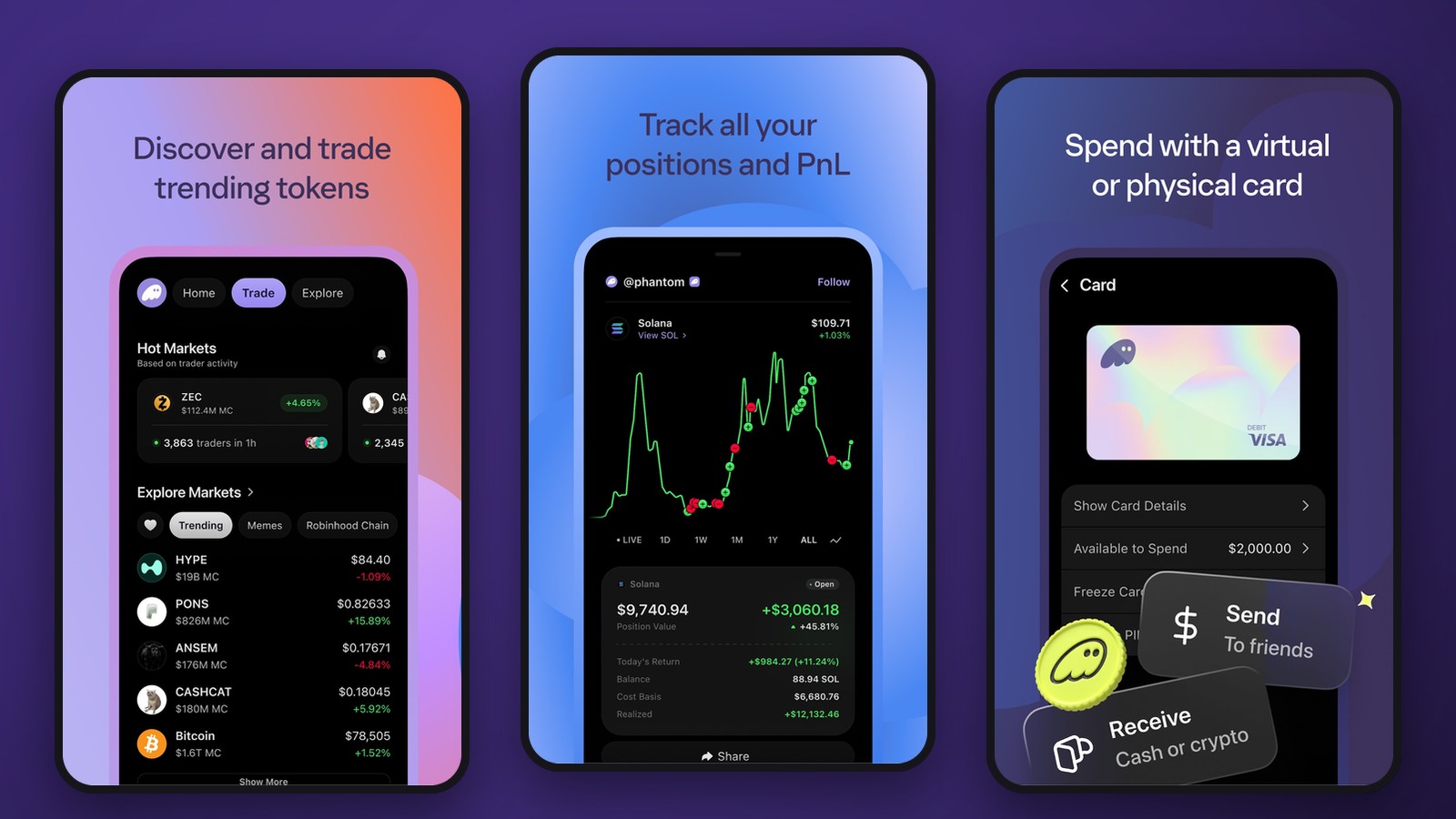
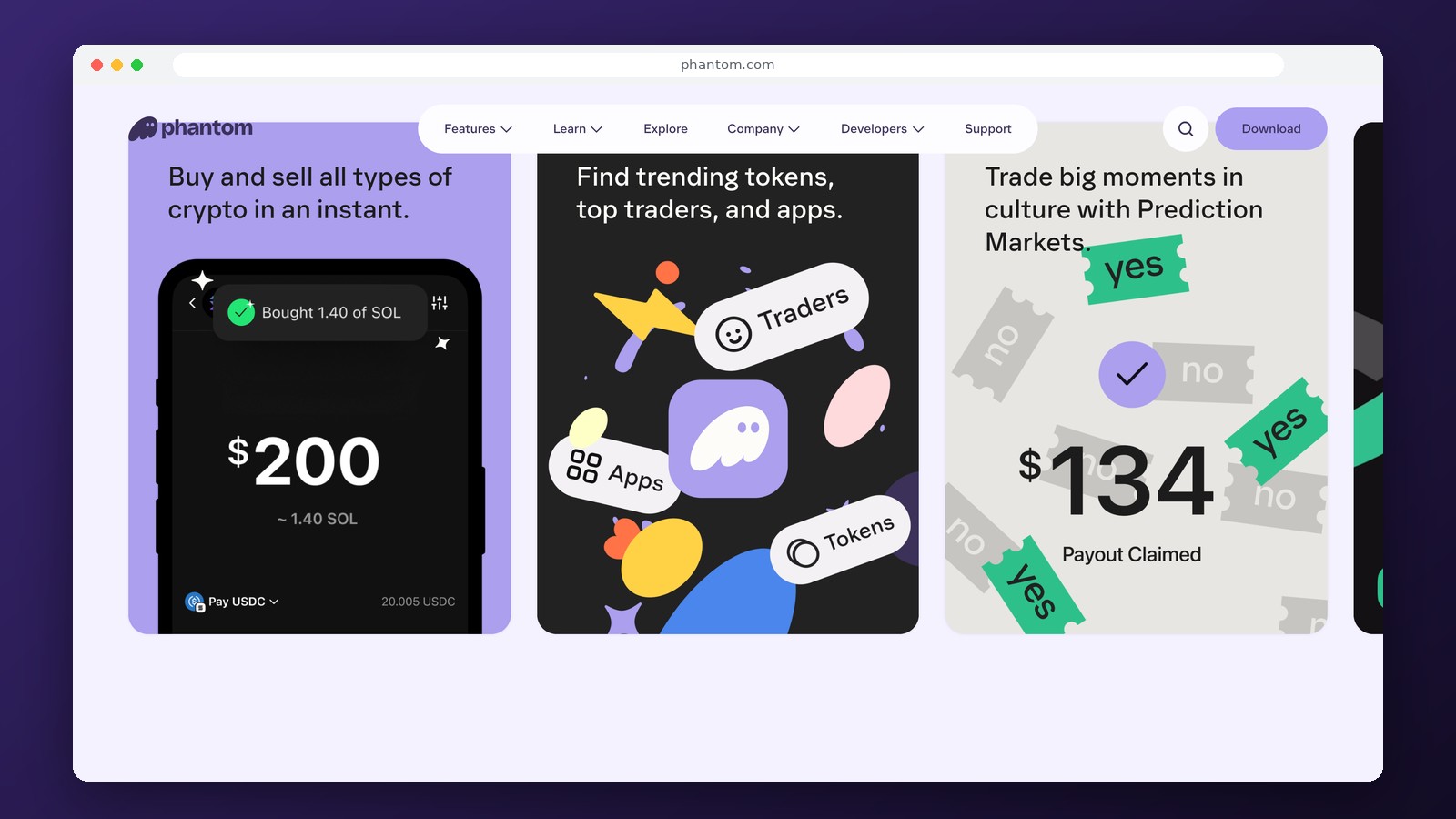
Phantom is a non-custodial crypto wallet for Solana, Bitcoin, and a number of EVM networks. It is available as an app for iPhone and Android and as a Google Chrome extension. From a single interface, you can receive cryptocurrency, transfer tokens, store NFTs, connect to Web3 applications, and trade assets. No exchange account is required to create a wallet, and funds remain under the owner’s control.
Which networks does Phantom support?
Phantom’s main network is Solana. In addition to Solana, Ethereum, Bitcoin, Base, Polygon, BNB Chain, HyperEVM, and several others listed in the network settings are available. For Bitcoin, both Native SegWit and Taproot addresses are supported. Networks can be enabled or disabled in the “Active Networks” section, but this does not change addresses or transfer coins from one blockchain to another.
EVM support does not imply compatibility with all EVM networks. In particular, Arbitrum, Optimism, and Avalanche are not included in Phantom’s current list. Support for Sui will end on September 24, 2026: SUI balances must be accessed via a compatible wallet, rather than sending new transactions through Phantom. For USDT, it is important to consider the specific blockchain: a token on Solana, Ethereum, or BNB Chain is not the same as a TRC-20 USDT on the TRON network. Phantom does not support the latter network.
App Features
- Receive and send SOL, BTC, ETH, USDT, and other assets on supported networks.
- Exchanges within a single network and across networks via available routes and bridges.
- Store NFTs and connect to apps in the Solana and Ethereum ecosystems.
- Separate addresses for Bitcoin and EVM assets within a single account.
- Create multiple accounts to separate transactions and manage your portfolio.
On a phone, access to decentralized applications works through the built-in Phantom browser. Regular Safari or Chrome on a phone does not replace this method of access. On a computer, the extension and compatible websites are used. The main supported version of the extension is designed for Chrome; Brave, Edge, and Opera may work with it as Chromium-based browsers. Firefox and Safari are not supported browsers.
Transaction and Exchange Fees
The app is available for free. When sending cryptocurrency, you pay the fee of the corresponding blockchain: SOL on Solana, ETH on Ethereum and Base, BNB on the BNB Chain, and BTC on Bitcoin. The fee must be paid in the same cryptocurrency as the transaction. For example, ETH on Ethereum will not cover the cost of a transfer to Base.
Phantom charges a 0.85% fee for most exchanges. Network fees, bridge provider fees, and price slippage may be added to this amount. Some exchange transactions take place without a prior reserve of the native coin: the costs are covered by the service or deducted in another token. This does not mean that the transaction itself is free. Before confirming, it’s important to check the total amount received and all cost components, especially for small cross-chain transfers.
Wallet Access and Asset Security
Phantom allows you to create a wallet using a seed phrase or by logging in with Google or Apple. Logging in via an account is convenient for re-authentication, but it does not turn the wallet into a bank account where you can cancel a transfer through customer support. Losing your recovery phrase, having your account compromised, or confirming a malicious transaction can result in the loss of funds.
When connecting to a dApp, the website sees your public address and may request a message signature or permission to perform actions with tokens. Connecting to the website does not in itself constitute a transfer of funds; however, certain permissions may grant the contract the right to spend your assets. Do not confirm signatures you do not understand or enter your secret phrase on a third-party project’s page.
Phantom in Russia and Withdrawals to a Bank Card
Blockchain transfers and the creation of addresses are technically different from buying or selling cryptocurrency for rubles. Banking transactions are carried out through payment partners, whose geographic and identification requirements may vary. The built-in cryptocurrency-to-cryptocurrency exchange does not guarantee the ability to receive rubles on a Russian card. Such transactions require a payment channel available in the specific region.
Frequently Asked Questions
Can I store TRC-20 USDT in Phantom?
No. The TRON network is not on the list of supported networks. For USDT, you need a token from one of the networks that Phantom actually supports, such as Solana or Ethereum.
Does Phantom support native Bitcoin?
Yes. The wallet supports native BTC as well as Native SegWit and Taproot addresses. When receiving funds, you must select a Bitcoin address and network, not a wrapped token on another chain.
How much does it cost to swap cryptocurrencies?
For most swap transactions, Phantom’s fee is 0.85%. Network fees and cross-chain bridge fees may apply separately.
Can I use Phantom without a passport?
Creating a non-custodial address and making regular crypto transfers do not require KYC. Buying and selling through fiat partners may require identification and may not be available in certain countries.
Editor's Opinion
Phantom is convenient for those who regularly work with Solana while also holding some of their assets in Bitcoin or popular EVM networks. The interface is well-suited for transfers, NFTs, and connecting to Web3, and the built-in exchanges eliminate the need to constantly switch between apps. However, Phantom is not a universal wallet for all blockchains: the lack of support for TRON, Arbitrum, and Optimism is a critical drawback for those who frequently receive USDT from different networks. The 0.85% fee is worth considering for frequent swaps, as bridge and network fees may be added on top of it. Phantom is suitable for everyday use if the user carefully monitors the selected blockchain and the permissions being confirmed. For long-term storage of large amounts, it’s advisable to supplement the software wallet with hardware security.
Ask a question to a company representative