

SafePal - a crypto wallet and the S1, X1, and S1 Pro hardware models
 Website
 Type
Type Keys
Keys
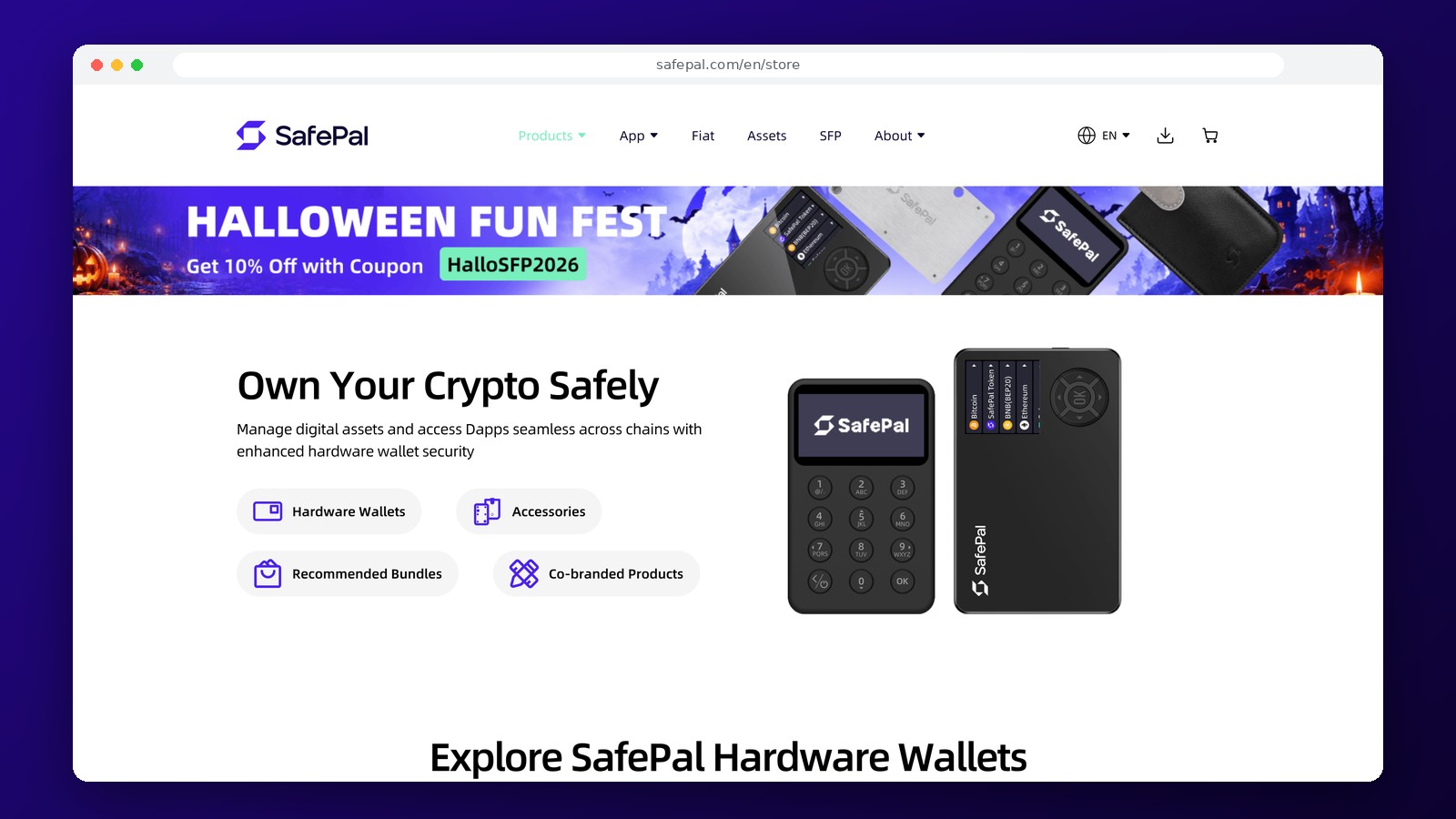


SafePal
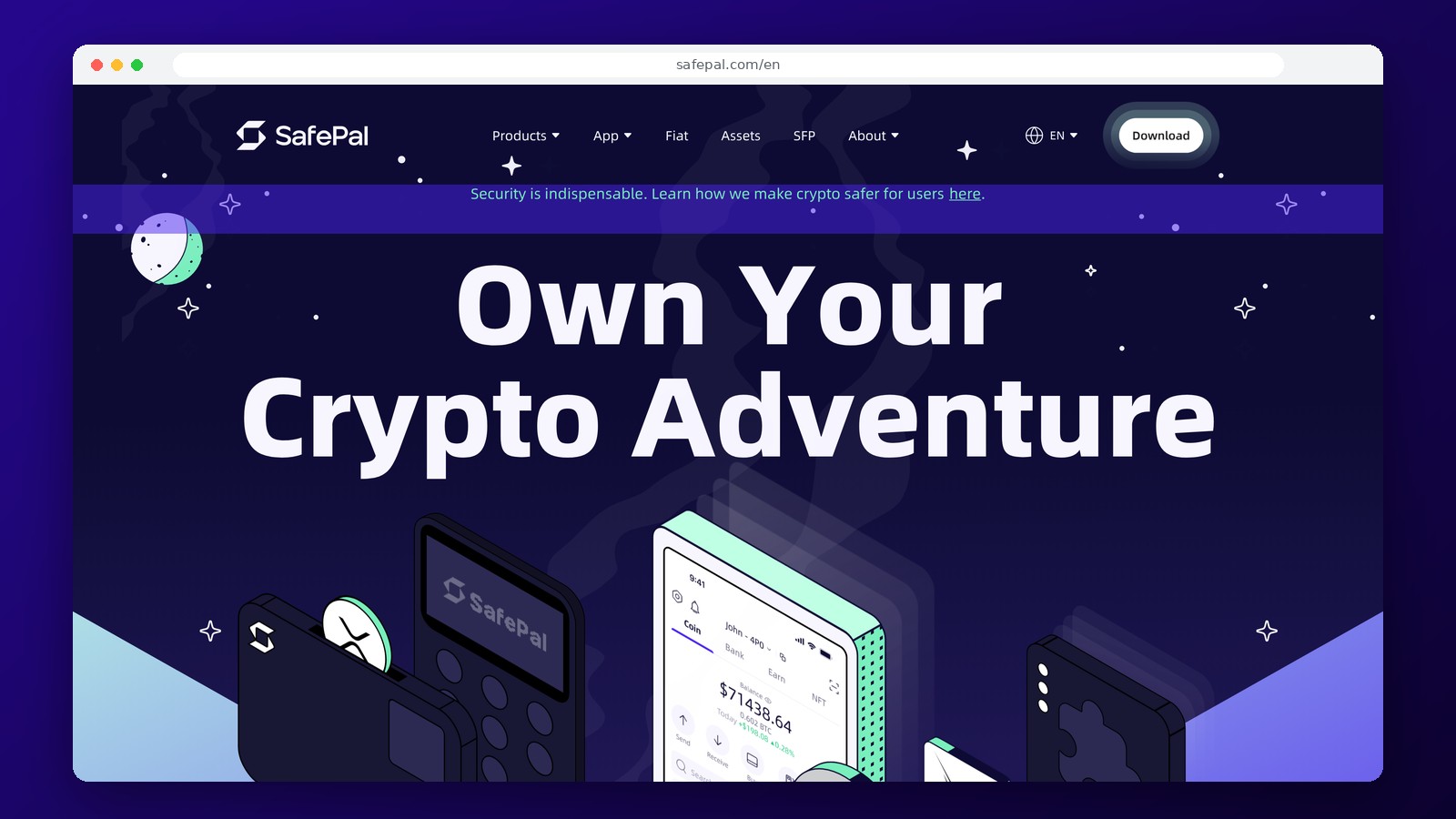
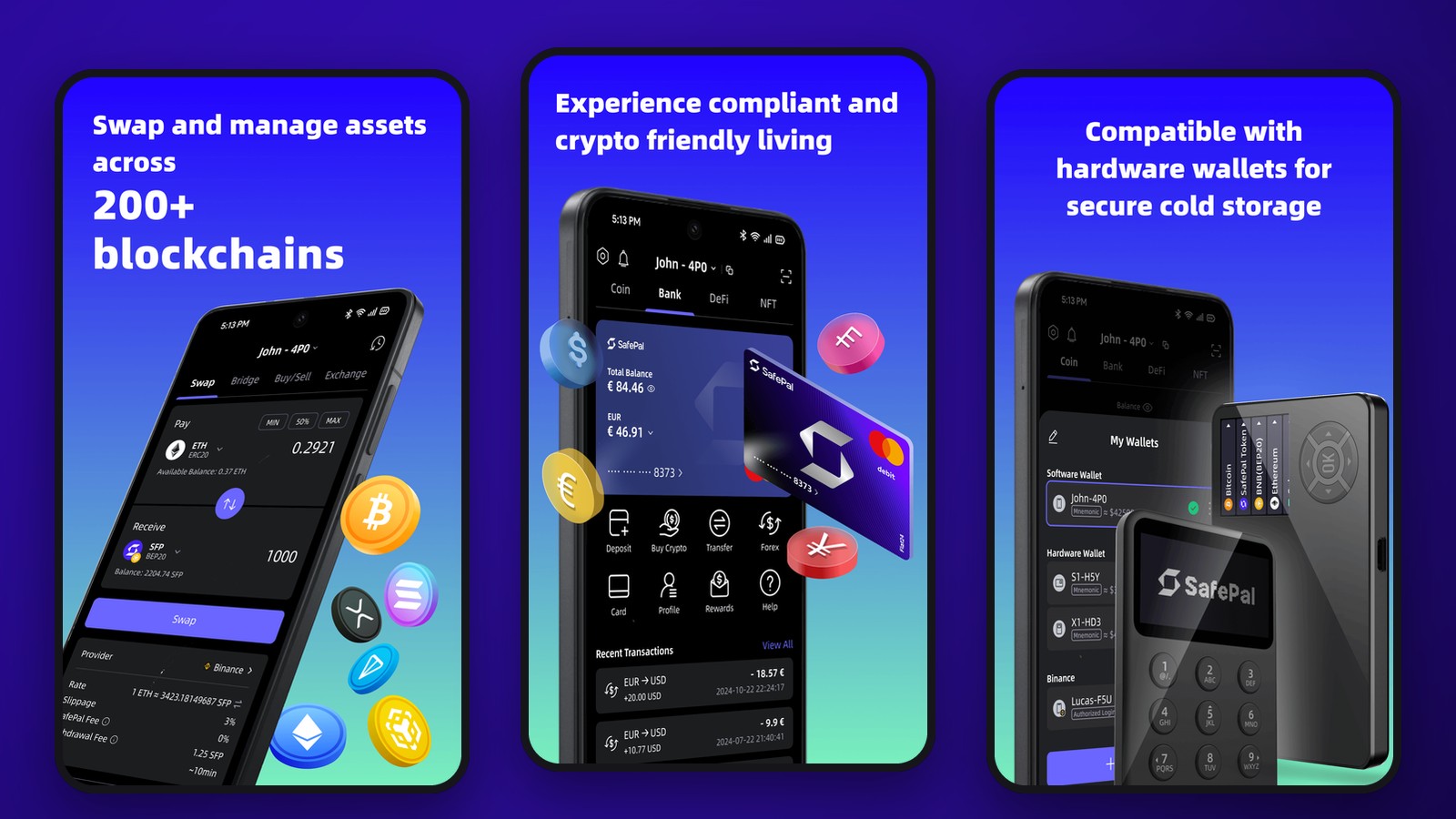
SafePal is an ecosystem of non-custodial crypto wallets that combines a mobile app, a browser extension, and the S1, S1 Pro, and X1 hardware wallets. The software wallet is suitable for regular transfers and connecting to Web3, while the hardware models allow users to store private keys off their everyday phone or browser. Users have full control over their assets and are responsible for keeping their recovery data safe.
SafePal supports Bitcoin, Ethereum, Solana, USDT, and a wide range of other assets. The hardware models are claimed to work with more than 200 blockchains, but specific compatibility with coins, networks, and features must be considered based on the selected model and app version. Different versions of SafePal differ in how they confirm transactions, not just in the price of the device.
Types of Wallets and SafePal Models
The SafePal App is available for iOS and Android, while the SafePal Extension works in supported browsers. The software version does not require the purchase of hardware: users create a wallet, save their recovery data, and can receive cryptocurrency immediately after setup. Hardware devices use a separate secure chip for key operations.
- SafePal S1 is a hardware wallet with offline signing via QR codes, without Bluetooth, Wi-Fi, or NFC.
- SafePal S1 Pro is a hardware model with QR code signing, a color screen, and a metal casing.
- SafePal X1—a hardware model with Bluetooth 5.0 and physical buttons.
- SafePal App—a mobile non-custodial wallet that does not require the purchase of a device.
- SafePal Extension — a browser interface for supported Web3 operations.
Device Prices and Fees
In the official lineup of hardware models, the SafePal S1 starts at $49.99, the X1 at $69.99, and the S1 Pro at $89.99. These device prices do not include VAT, duties, or shipping; the total amount depends on the region and configuration. The app and extension can be used without purchasing a hardware device.
For standard transfers, the fee is determined by the blockchain. Sending BTC requires a Bitcoin network fee; transactions involving ETH and EVM-network tokens are paid in the respective network’s gas, and transfers to Solana use SOL. When making exchanges and payments through external tools, separate provider fees, exchange rate differences, and, if necessary, identity verification requirements may apply. Basic wallet creation does not require mandatory KYC.
Hardware verification and key protection
On the S1 and S1 Pro, transactions are signed using QR codes: the app prepares the transaction, and the hardware device confirms it without a direct wireless connection to the internet. The X1 uses Bluetooth to connect to a compatible interface, so it should not be described as fully analogous to air-gapped models. In all cases, it is important to verify the transaction details on the hardware display before confirming the transaction.
A recovery phrase is needed to restore access if you lose your device or phone. You should not take a photo of it or store it near the hardware wallet itself. If the wallet is connected to decentralized applications, a security risk may arise from permissions granted to smart contracts: a hardware signature alone does not guarantee protection against malicious permissions. For long-term savings, it’s a good idea to keep your storage wallet separate from addresses that are actively connected to DeFi.
Working with USDT, Exchanges, and Bank Cards
SafePal allows you to manage USDT across various supported networks. For a successful transfer, the sender’s and recipient’s networks must match, and there must be a sufficient balance of the native coin to cover the fee. Built-in exchanges use integrated routes, the terms of which are displayed before confirmation. Selecting the wrong network may make it impossible to receive the asset or require a separate recovery procedure.
SafePal is not a Russian bank account. Withdrawing cryptocurrency to a card, purchasing with a bank card, and other fiat functions are provided through partners and depend on geographic location, payment methods, and additional verification requirements. The presence of an exchange or payment gateway in the interface does not guarantee support for Russian banks.
Frequently Asked Questions
How does the SafePal S1 differ from the X1?
The S1 uses offline signing via QR codes and does not have Bluetooth. The X1 connects via Bluetooth 5.0 and offers a different method of transaction confirmation.
Do I need a passport to set up SafePal?
A passport is not required to create a standard non-custodial software wallet. Certain transactions through payment partners may require identification.
How much do SafePal hardware wallets cost?
The lineup includes: S1 starting at $49.99, X1 starting at $69.99, and S1 Pro starting at $89.99, excluding taxes and shipping. The final price for your region is calculated before you place your order.
Can I store TRC-20 and ERC-20 USDT?
SafePal supports tokens from various networks, including USDT. Before transferring, you must select a compatible blockchain and verify the address.
Editor’s Opinion
What makes SafePal interesting is that it doesn’t force you to choose a single usage model forever. You can start with a software wallet and then switch to hardware key protection while retaining the app’s familiar user interface. That said, the S1, S1 Pro, and X1 cannot be considered identical devices: the first two use QR code signing without Bluetooth, while the X1 is designed for the convenience of wireless connectivity. For long-term storage, the discipline of backing up your keys and verifying transactions on the screen is more important than the number of supported tokens advertised. The wallet is well-suited for users who need multiple blockchains and different methods of transaction confirmation at once. To purchase cryptocurrency with rubles and withdraw funds to a card, you’ll need to consider the terms of the payment partners separately, rather than the capabilities of the hardware device itself.
Ask a question to a company representative