

Keeper (Tonkeeper) - a crypto wallet for TON, USDT, and other networks
 Website
 Type
Type Keys
Keys


Keeper (formerly Tonkeeper)
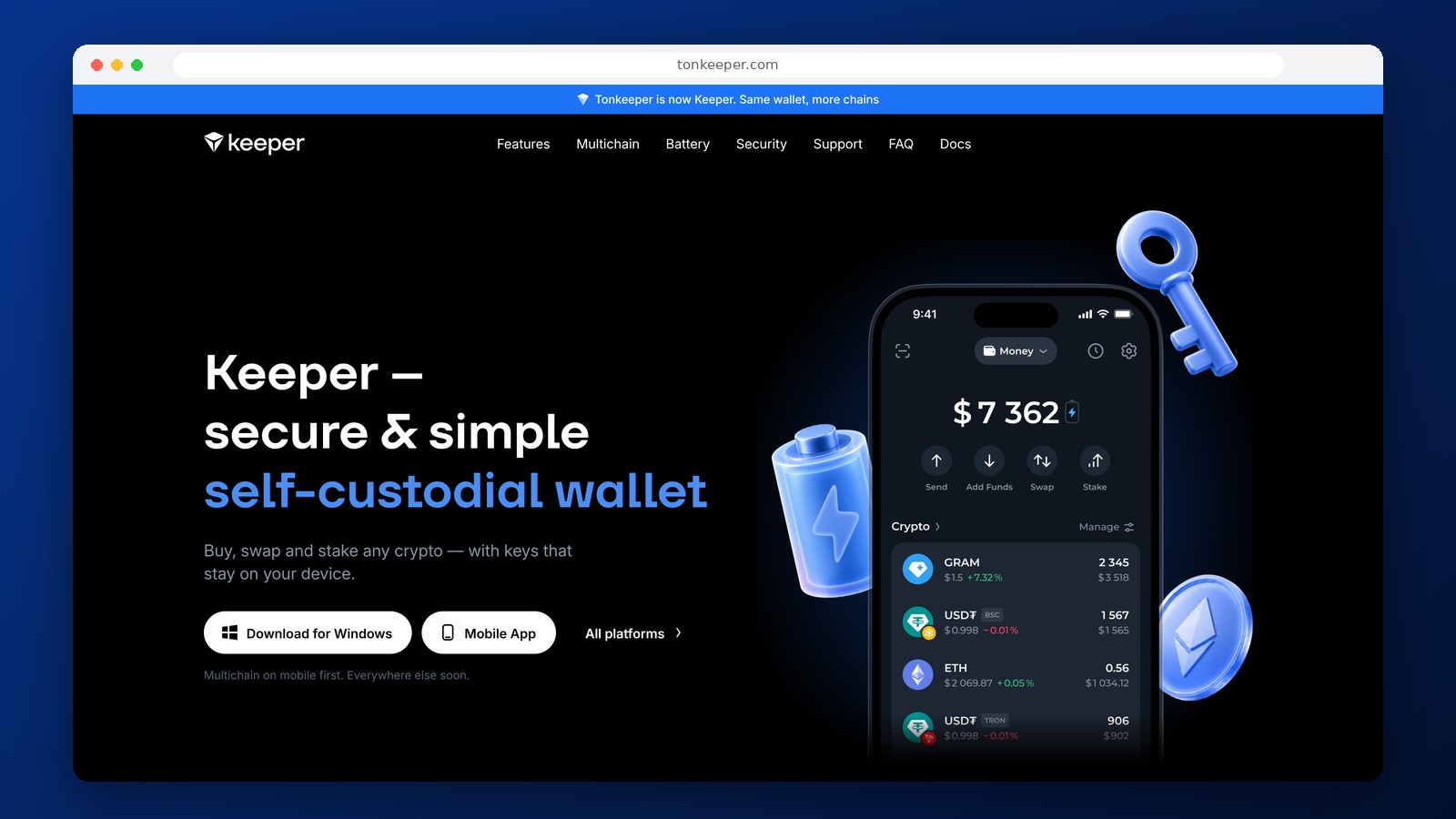
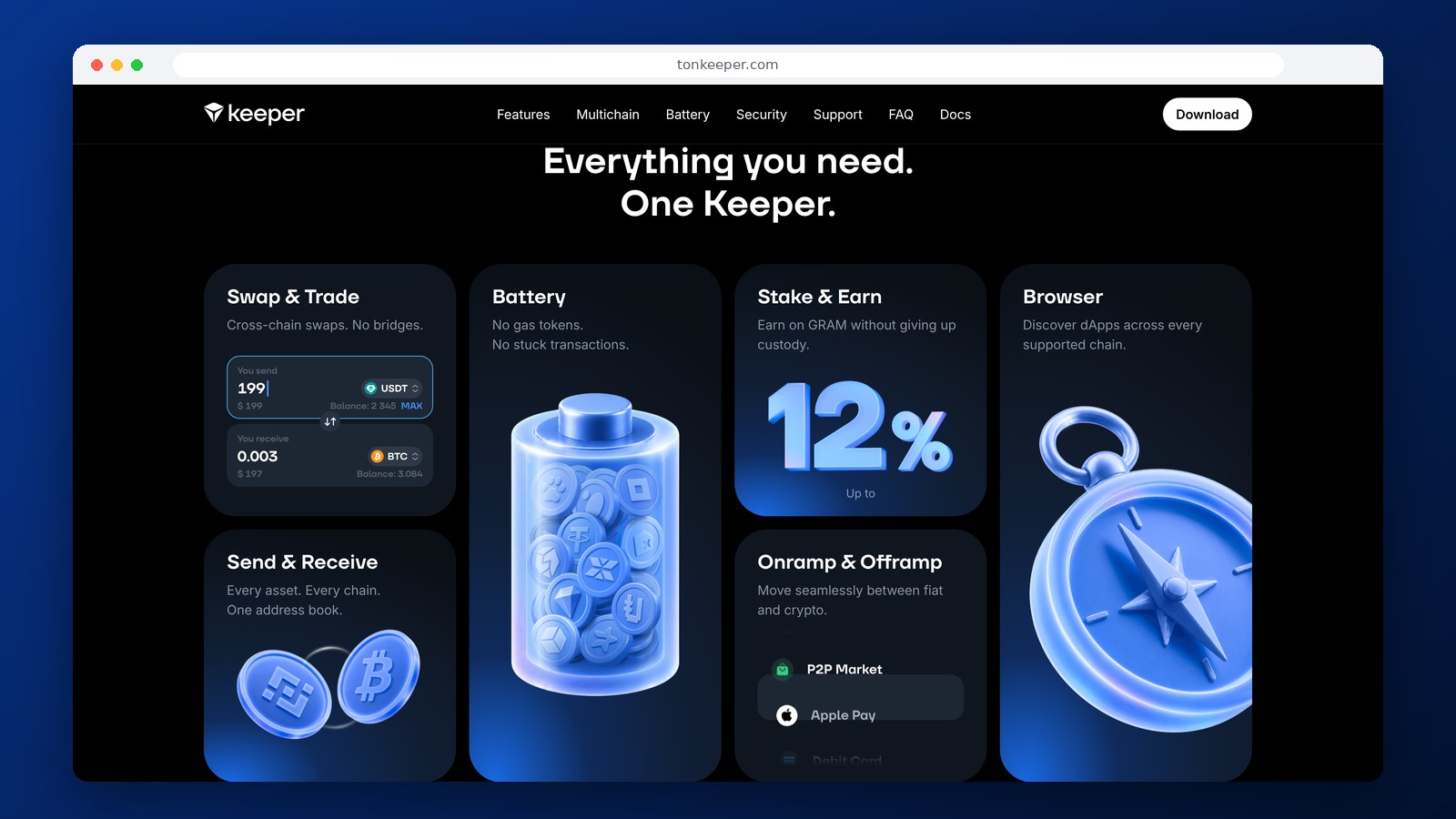
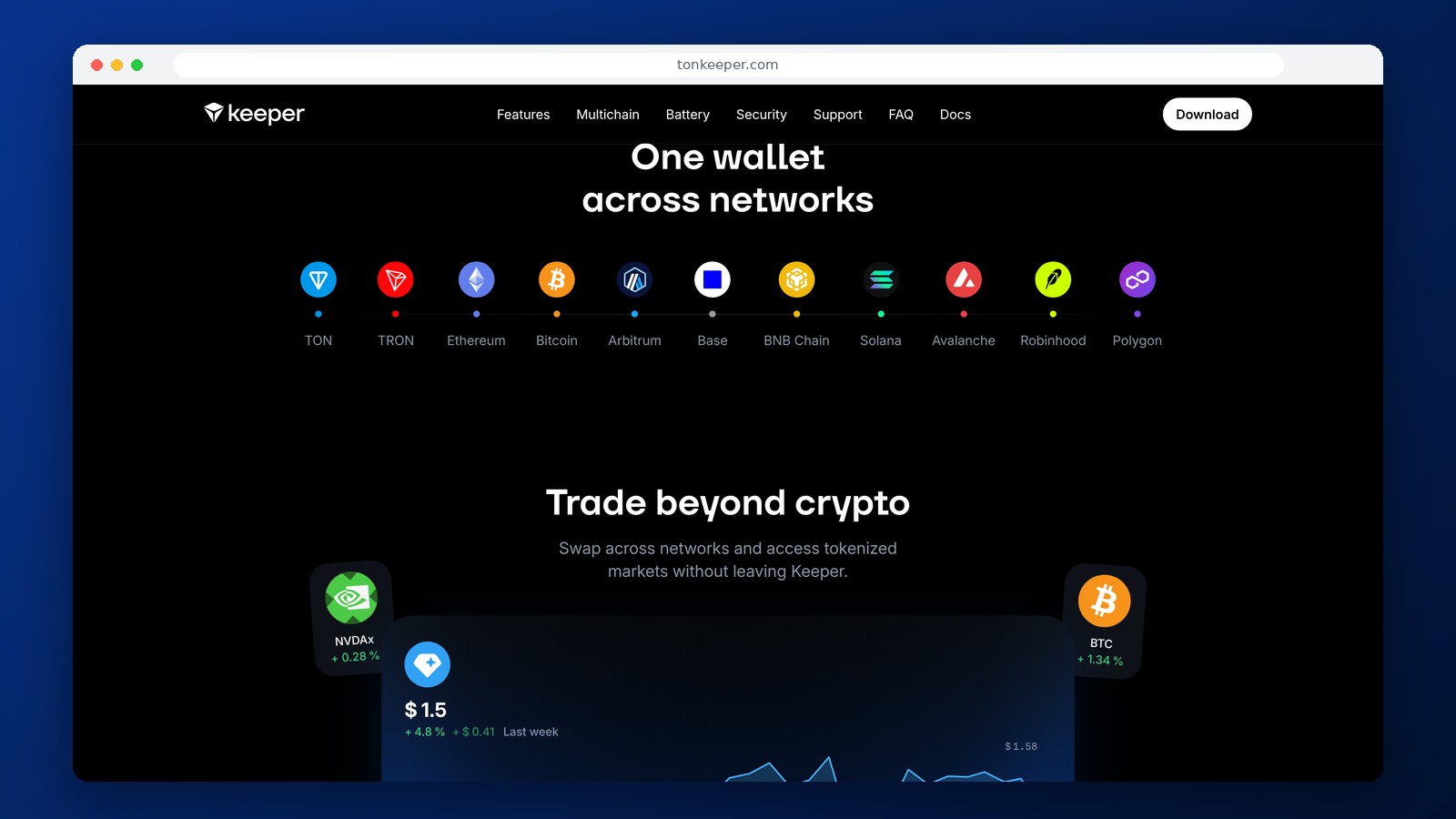
Keeper is a non-custodial crypto wallet, formerly known as Tonkeeper. In September 2026, the service changed its name and expanded its support for blockchains: in addition to TON, the wallet now supports Bitcoin, Ethereum, TRON, BNB Chain, Arbitrum, and Base. Therefore, the current version of Keeper cannot be viewed solely as an app for Toncoin and TON network tokens. That said, TON remains one of the product’s primary networks, and previously created TON addresses continue to function.
What Has Changed Since the Tonkeeper Rebranding
The transition to the Keeper brand does not mean that old wallets will be shut down. Access to existing addresses is preserved, and familiar operations with TON and Jetton tokens remain available. The multi-chain format provides separate addresses and tools for other blockchains. Support for networks and features may vary between the mobile, desktop, and browser versions: new multi-chain capabilities are rolled out first in the mobile app.
TON wallets created with the old 24-word recovery phrase and new multi-chain wallets use different methods for generating addresses. It is not possible to convert the old recovery phrase into a new multi-chain account with a single toggle. To make the transition, you’ll need to create a new wallet and transfer your assets between addresses. Before doing so, be sure to save the access credentials for both wallets.
Supported Networks and USDT
Keeper works with TON and several other blockchains. For USDT transfers, you should select a specific network rather than relying solely on the name “Tether.” USDT on TON, TRC-20 on TRON, and ERC-20 on Ethereum are different tokens and use different transfer routes. The recipient must support the specific network you select. Sending to an incompatible address may result in the loss of funds or require a complex recovery process.
On the TON network, the wallet supports TON and Jetton tokens, including USDT on TON. In addition to standard transfers, users can connect to ecosystem apps, exchange tokens, and perform transactions with digital assets. To connect to DeFi, you must carefully review the permissions, especially if the app asks you to authorize not a transfer to a specific address, but a transaction involving a smart contract.
Battery and Paying Fees Without a Separate Coin Reserve
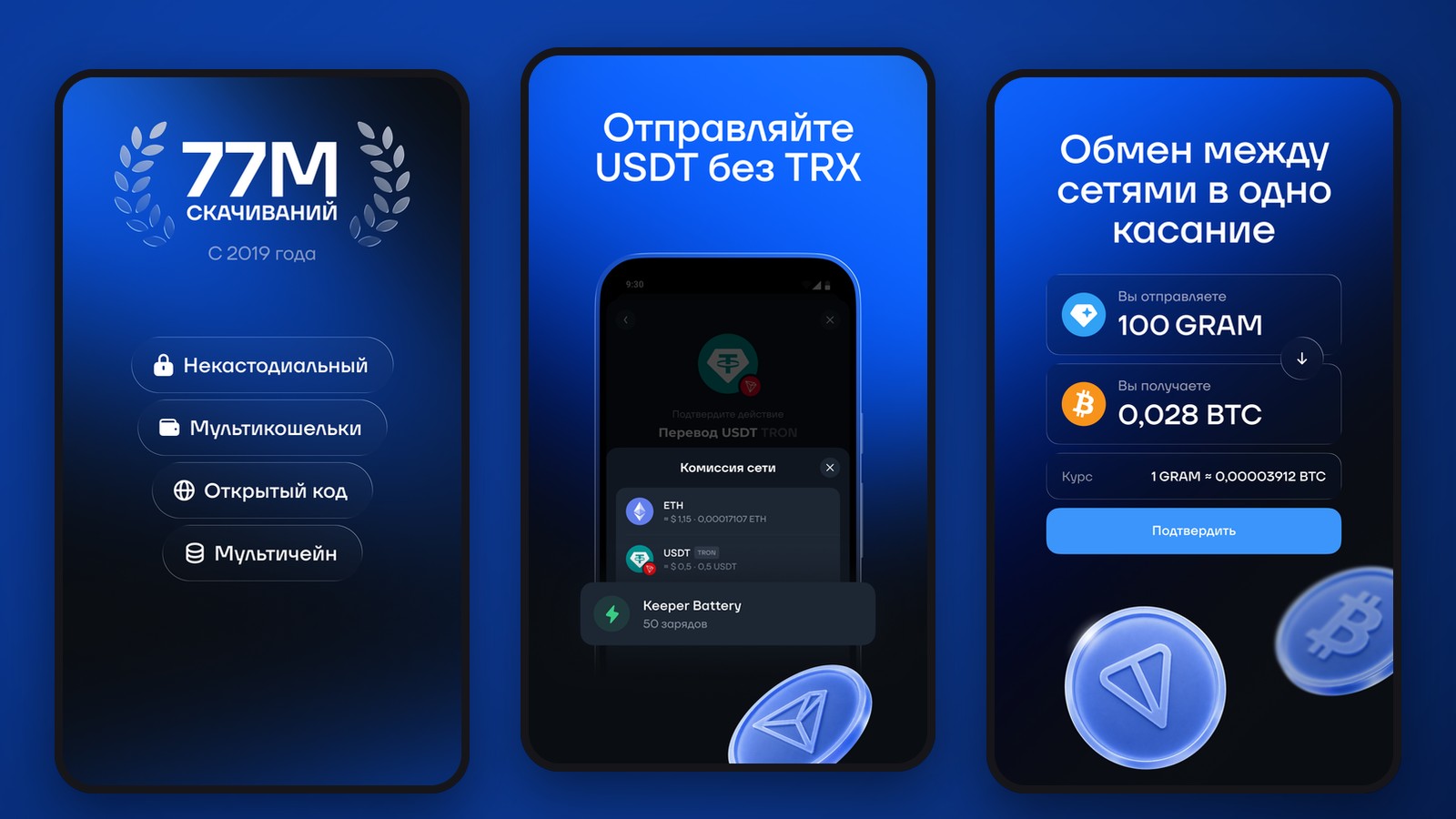
One of Keeper’s distinctive features is Battery. It helps pay for supported transactions without first purchasing the native token for gas. Battery can be topped up using supported methods, and the feature’s availability depends on the network and transaction type. Gasless also works for a number of operations: the fee is deducted from the token being sent—for example, USDT—instead of requiring you to hold TON in a separate balance.
This does not mean that the blockchain has stopped charging fees. The fee is paid by the service mechanism, and the user covers it with another asset or a pre-funded resource. The applicable payment method is displayed before the transfer. If Gasless or Battery do not support a specific network or transaction, the standard network fee will apply.
Keys, Recovery, and Security
Keeper is a self-custody wallet: private keys are controlled by the owner, and no registration with a custodial service is required. To recover your account, you must save the secret data provided by the app. Support cannot restore access via phone number if the owner has lost all recovery data. Do not enter your recovery phrase into a Telegram bot, on a website claiming to offer a “security check,” or share it with anyone claiming to be a service representative.
Special attention should be paid to migrating from the old Tonkeeper. The secure procedure is to create a new multi-network wallet in the official app, save a backup of it, verify the recipient’s address, and only then transfer your assets. You should keep the old backup as long as you need it to access the original address.
Deposits, Sales, and Availability in Russia
Opening a Keeper account does not require a service fee or mandatory KYC. You can receive cryptocurrency via a transfer to a blockchain address. Purchasing, selling, and withdrawing to a card can be done through third-party providers and may vary by country, payment method, and documentation requirements. The presence of a “Buy” button in the interface does not guarantee the ability to pay with a Russian card. When sending cryptocurrency to other services, you must take into account their own regional restrictions.
Frequently Asked Questions
Are Tonkeeper and Keeper the same wallet?
Yes. Keeper is the new name for Tonkeeper. Old TON wallets remain accessible, but creating a separate account may be required for the new multi-chain format.
Can I hold USDT TRC-20 in Keeper?
Yes, if you use a supported TRON account. For transfers, you must select TRON/TRC-20, not TON or Ethereum.
Do you always need TON to send USDT TON?
No. Supported transactions can be paid for via Battery or the Gasless mechanism. If this feature isn’t available for a specific transfer, the standard network fee will apply.
Can I use Keeper to withdraw funds to a bank card in Russia?
The wallet itself stores crypto assets, while fiat transactions are processed through separate services. Withdrawal availability depends on the payment partner and the recipient’s country.
Editor’s Opinion
The main change in Keeper is the transition from a convenient TON wallet to a full-fledged multi-chain app. This expands the possibilities for users who hold both USDT on TON and assets on other blockchains. Battery and Gasless remain practical advantages for small transactions, when you don’t want to top up your balance separately to cover network fees. The main risk is associated with transferring old addresses: the new interface does not change the process for restoring an existing TON wallet. For existing Tonkeeper users, it’s important to first understand the differences in formats and only then transfer significant amounts. While Keeper cannot be used as a banking tool, it has become significantly more versatile for self-custody and transfers on supported networks.
Ask a question to a company representative