

Trezor - Safe 3, Safe 5, and Safe 7 hardware crypto wallets
 Website
 Type
Type Keys
Keys


Trezor
Trezor is a hardware crypto wallet that stores private keys separately from computers and phones. The device signs transactions within a secure environment, and the owner confirms the transfer on its screen. This approach is suitable for long-term storage of Bitcoin, Ethereum, USDT, and other supported assets. The wallet itself does not hold funds on its own balance: the cryptocurrency remains on the blockchain, and Trezor provides access to it via the keys.
Trezor Models in 2026
The current lineup includes the Trezor Safe 3, Safe 5, and Safe 7. They differ not in the amount of “money that can be stored,” but in their interface, connectivity, and hardware security features:
- Safe 3—a device with physical buttons and a Secure Element for basic hardware storage;
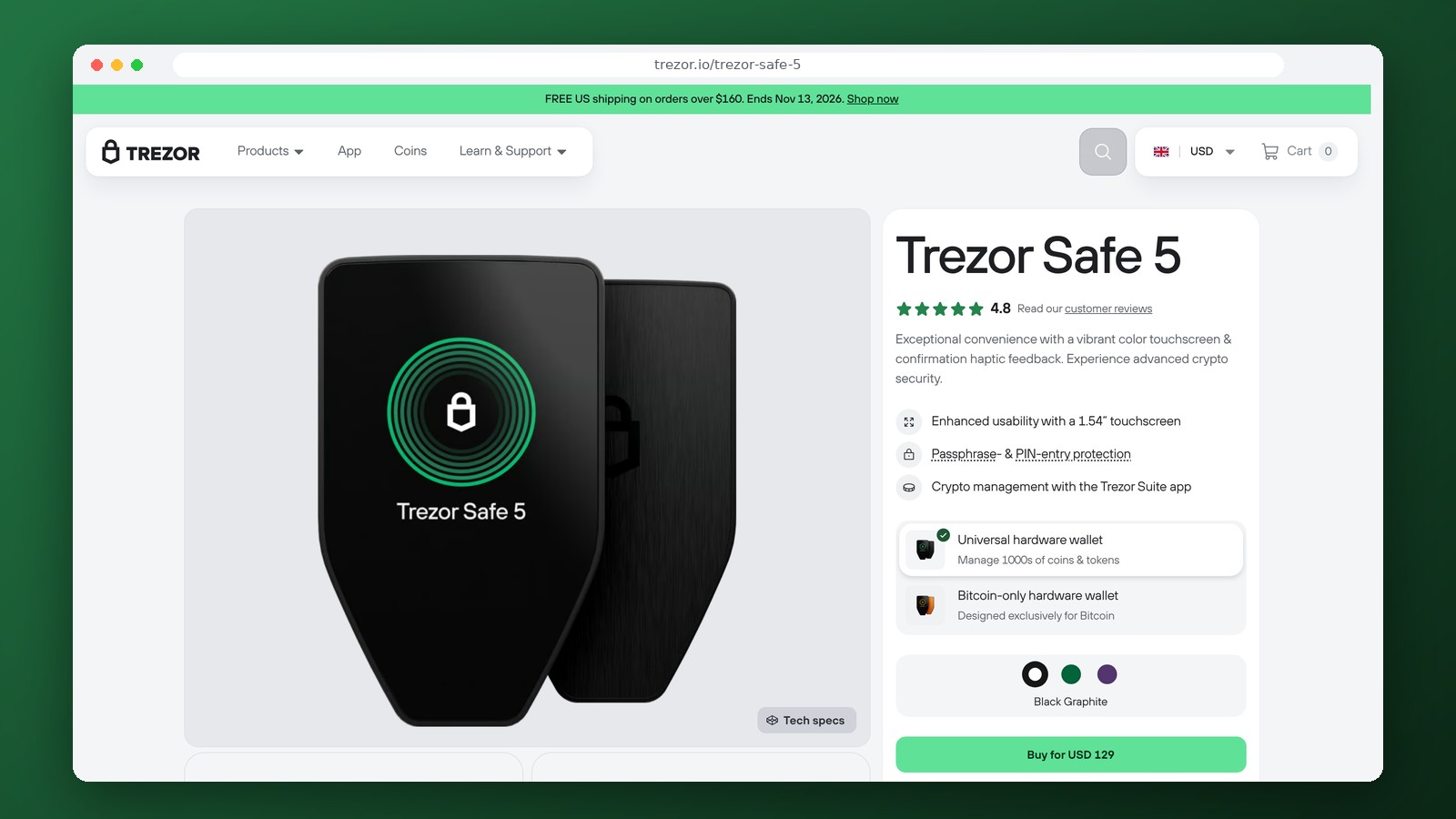
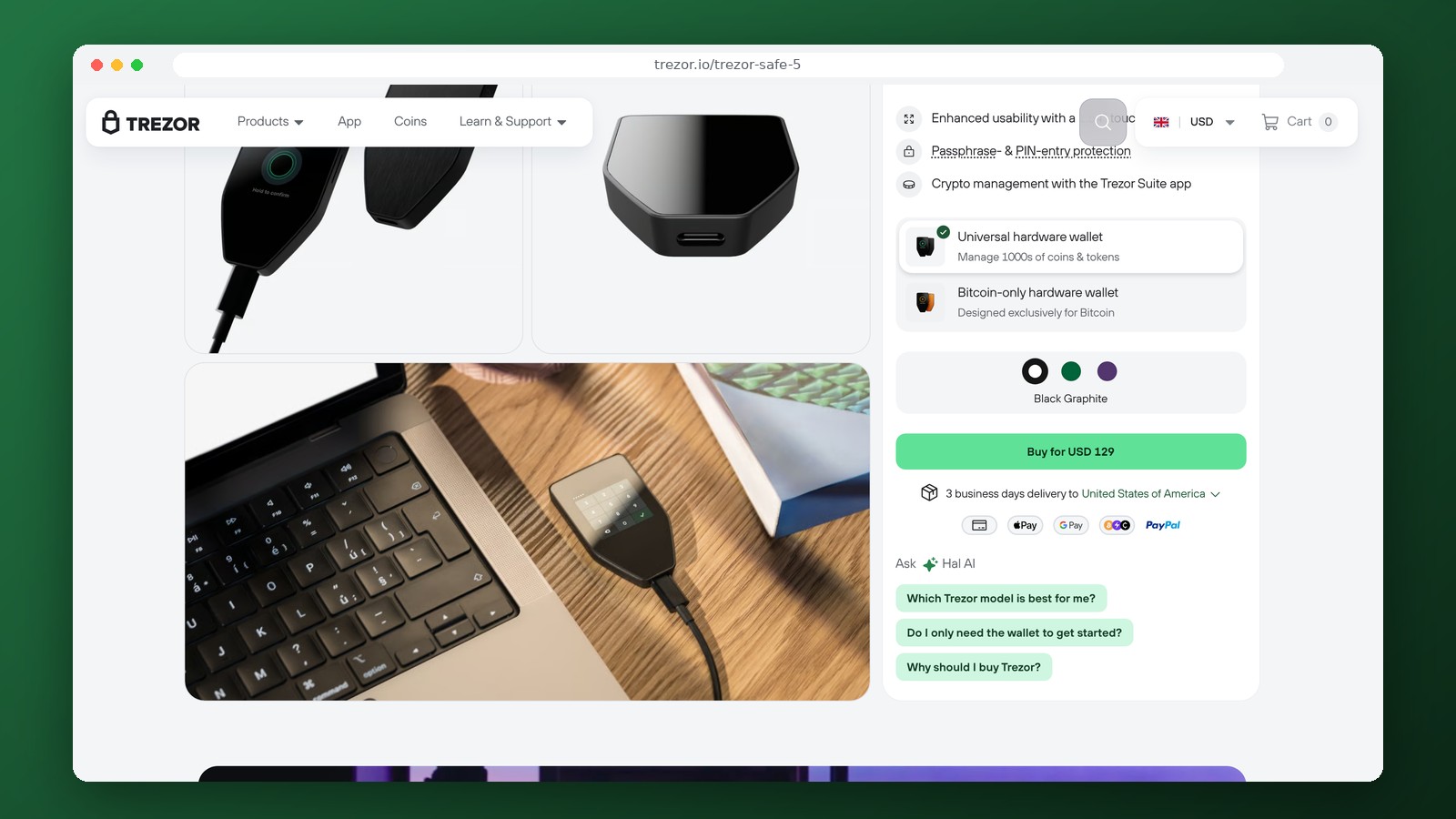
- Safe 5—a model with a color touchscreen and haptic feedback when confirming transactions;
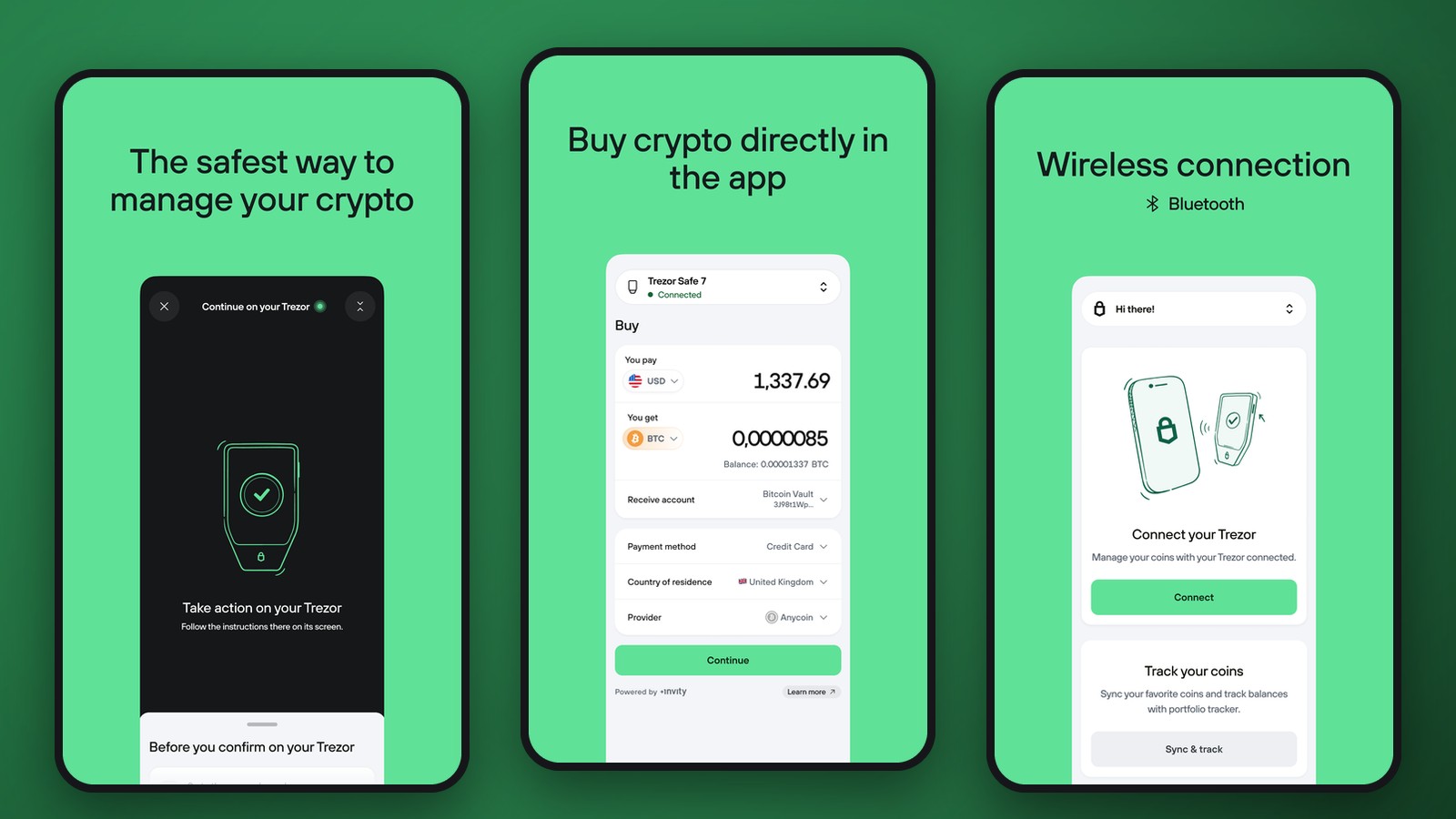
- Safe 7—a newer model with wireless connectivity, a larger touchscreen, and an updated hardware security architecture.
The Model One and Model T are also still available. Their compatibility with specific networks differs from that of the Safe family. Buying an older model solely because of its low price isn’t always wise: you should first make sure it supports the coins and apps you need.
Trezor Suite and Cryptocurrency Management
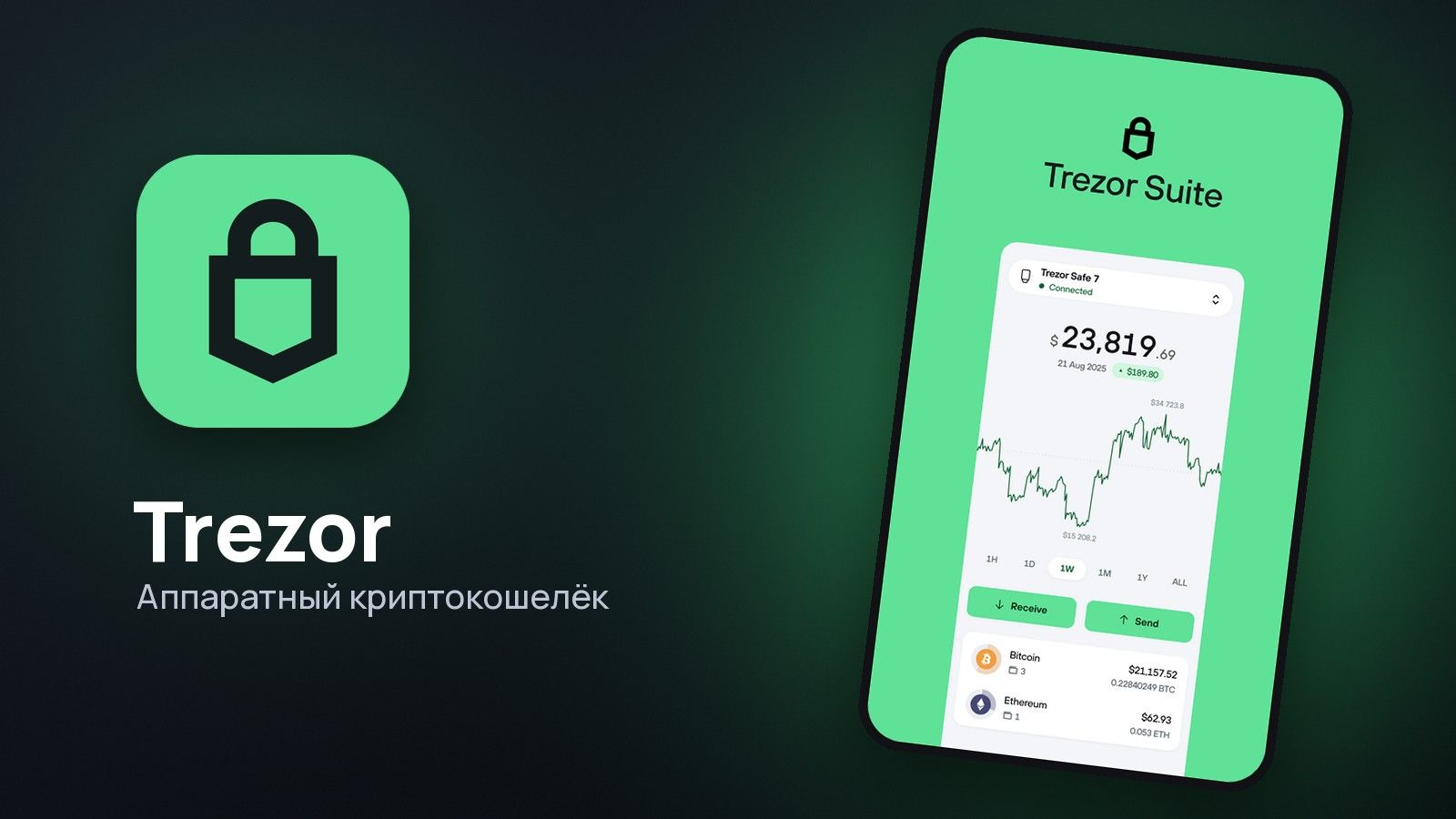
Trezor Suite is used to configure the device, check your balance, generate addresses, and send funds. The app is available on computers and compatible mobile devices, but the specific connection method depends on the model. You do not need to sign a transaction on a computer alone without confirmation on the hardware device—this is precisely Trezor’s security feature. Before sending, you must verify the recipient’s address on the wallet screen, not just in the browser interface.
Trezor Suite supports Bitcoin, Ethereum, and ERC-20 tokens, as well as other networks. In June 2026, full support for TRON was added to the app. Sending TRX and TRC-20 tokens, including USDT, is available on the Safe 3, Safe 5, Safe 7, and Model T, but not on Model One. There are also hardware model restrictions for Solana. Even if USDT appears in the list of assets, ERC-20 and TRC-20 are different networks with different fees and receipt rules.
Security, Backup, and Recovery
A backup of the wallet is created during the initial setup. The format and number of words depend on the selected model and backup method. Do not enter your recovery phrases on third-party websites, send them via messaging apps, or store them in an unsecured file. If your Trezor is lost or damaged, access can be restored using a valid backup on a compatible device. An additional passphrase creates a separate key space: a forgotten passphrase cannot be recovered using the seed phrase alone.
You must purchase a Trezor directly from the manufacturer or an authorized retailer and set it up yourself. Do not use a device that arrives with a pre-set seed phrase. Upon receipt, inspect the packaging and perform the standard authenticity check. A hardware wallet protects your keys but does not eliminate the need to verify addresses, networks, and smart contract permissions.
Fees and Exchange
There are no recurring fees for creating addresses or storing assets. Costs consist of the device price, network fees for transfers, and—if applicable—the terms of partner services for buying, selling, or exchanging. In Bitcoin, the fee depends on the transaction size and network congestion, while Ethereum and TRON use their own transaction fee mechanisms. The exchange rate and the total exchange amount are displayed before the transaction is confirmed.
Trezor does not open bank accounts and does not offer direct withdrawals to Russian bank cards. Selling cryptocurrency for rubles or another currency is carried out through a separate platform or a payment partner, provided that the partner serves the relevant jurisdiction. When using foreign services, identity verification and country-specific restrictions may apply.
Who Should Use Trezor
Hardware wallets are a good choice when cryptocurrency is held at a single address for an extended period or when it’s important to keep keys isolated from devices used for everyday applications. For frequent small transfers, connecting and confirming each transaction on Trezor is less convenient than using a mobile wallet. Therefore, some owners keep their long-term reserves in a separate address from the one used for day-to-day transactions.
Frequently Asked Questions
How does the Trezor Safe 7 differ from the Safe 5?
The Safe 7 supports wireless connectivity and features an updated hardware architecture. The Safe 5 uses a touchscreen and allows for transaction confirmation on the device, but connects differently.
Does Trezor support TRC-20 USDT?
Yes, TRC-20 tokens are available in Trezor Suite on the Safe 3, Safe 5, Safe 7, and Model T. The TRON network is not supported on the Model One.
Can I recover my wallet if the device breaks?
Yes. To restore your device, you need a properly saved backup, and if you used an additional passphrase, you’ll also need the passphrase itself.
Do I need to go through KYC to set up a Trezor?
No. You don’t need to verify your identity when setting up a hardware wallet yourself. Buying or selling cryptocurrency through a third-party provider may require identity verification.
Editor’s Opinion
Trezor is a good fit for those who prioritize control over their private keys over the speed of daily transactions. The strengths of the Safe line include on-device confirmation and the ability to work with major blockchains via Trezor Suite. The Safe 7 stands out for its wireless connectivity, the Safe 5 stands out for its touchscreen controls, and the Safe 3 meets the basic need for hardware signing. When choosing a model, the deciding factors should be the combination of compatible networks, connectable devices, and the recovery process—not the total number of supported tokens. For USDT TRC-20 and Solana, it is especially important to consider the limitations of older models. The cost of purchasing the hardware is justified primarily for amounts where the loss of access would be significant.
Ask a question to a company representative