

TronLink - a crypto wallet for USDT (TRC-20) and TRX
 Website
 Type
Type Keys
Keys


TronLink
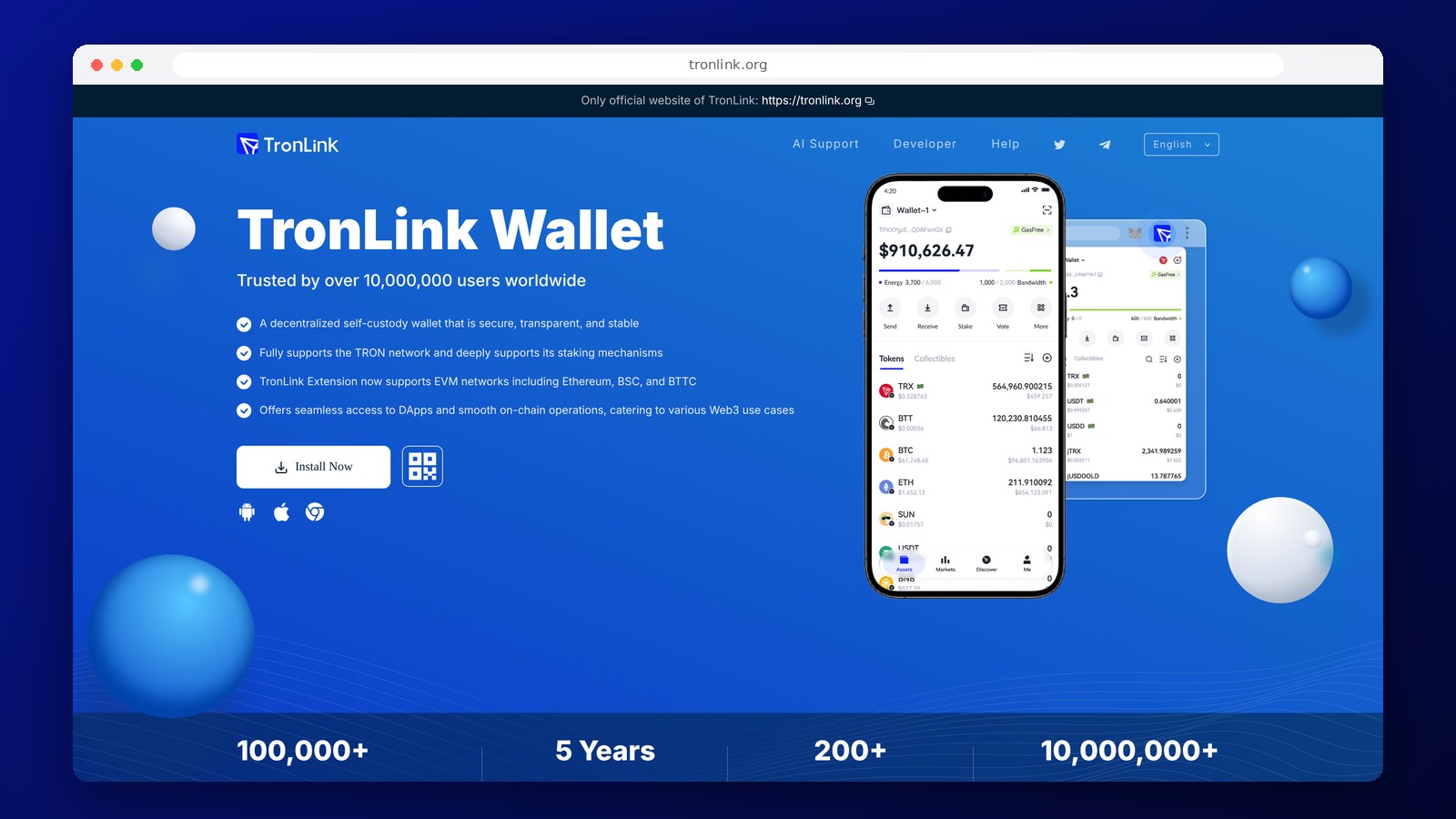
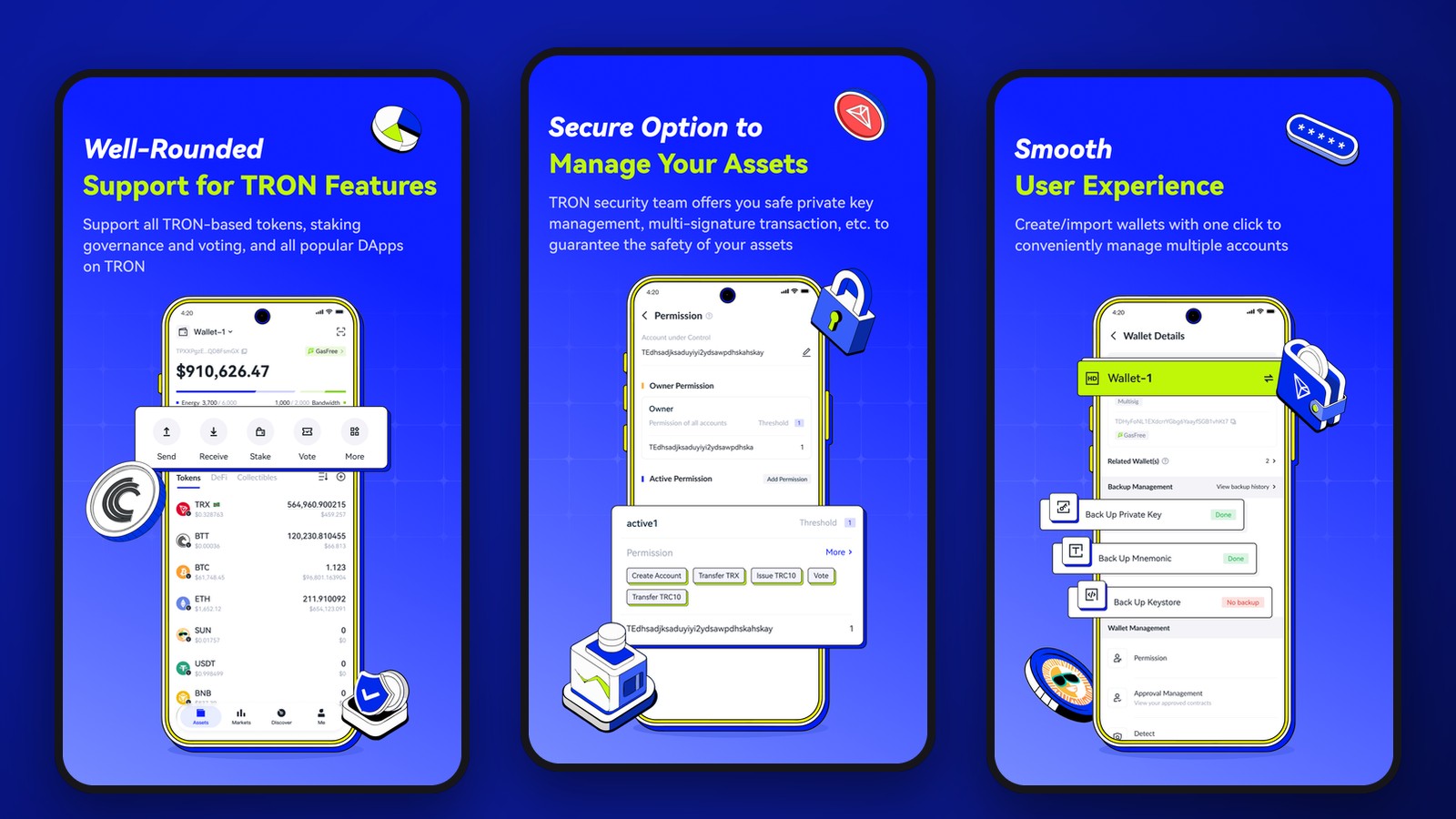
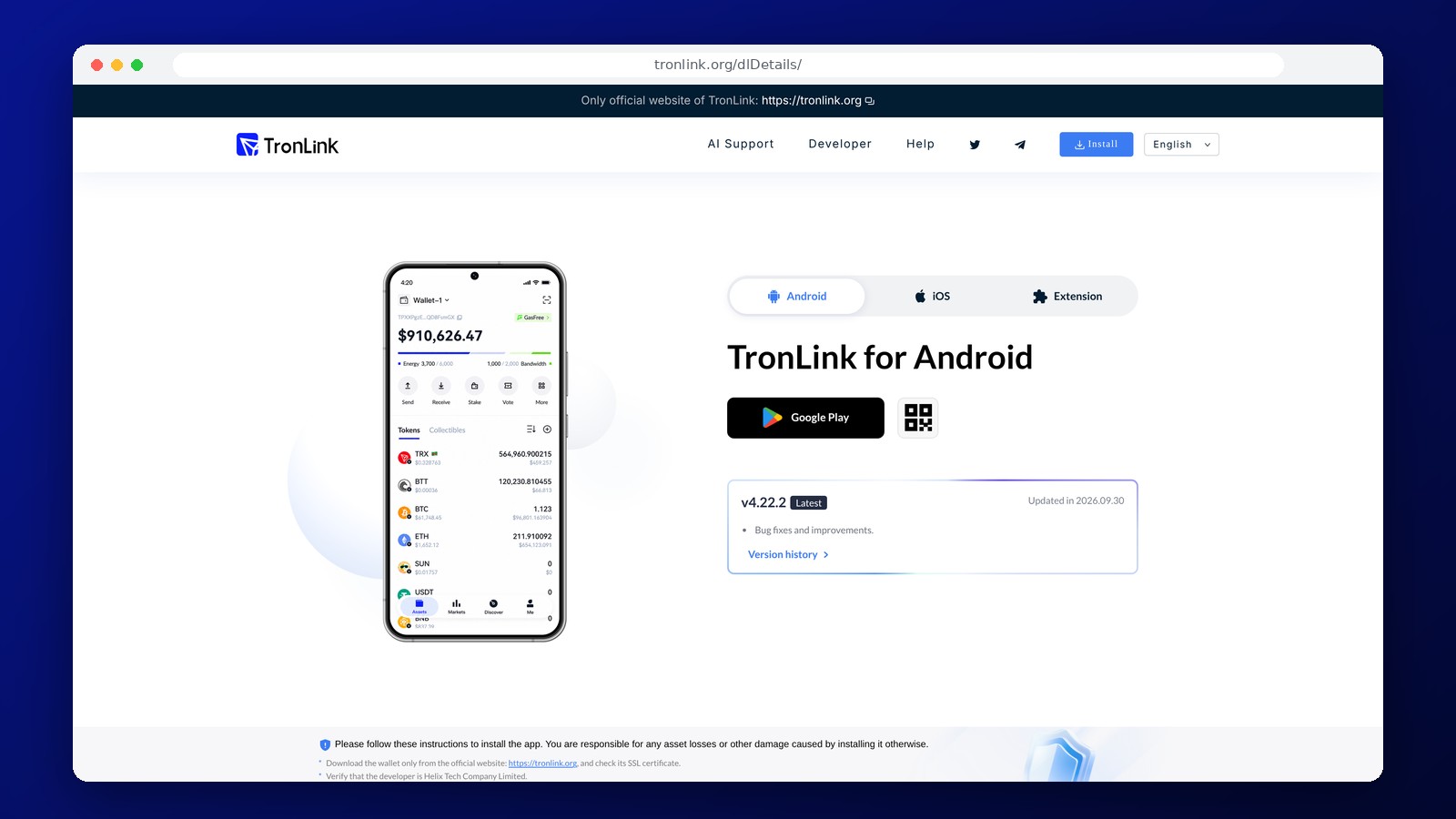
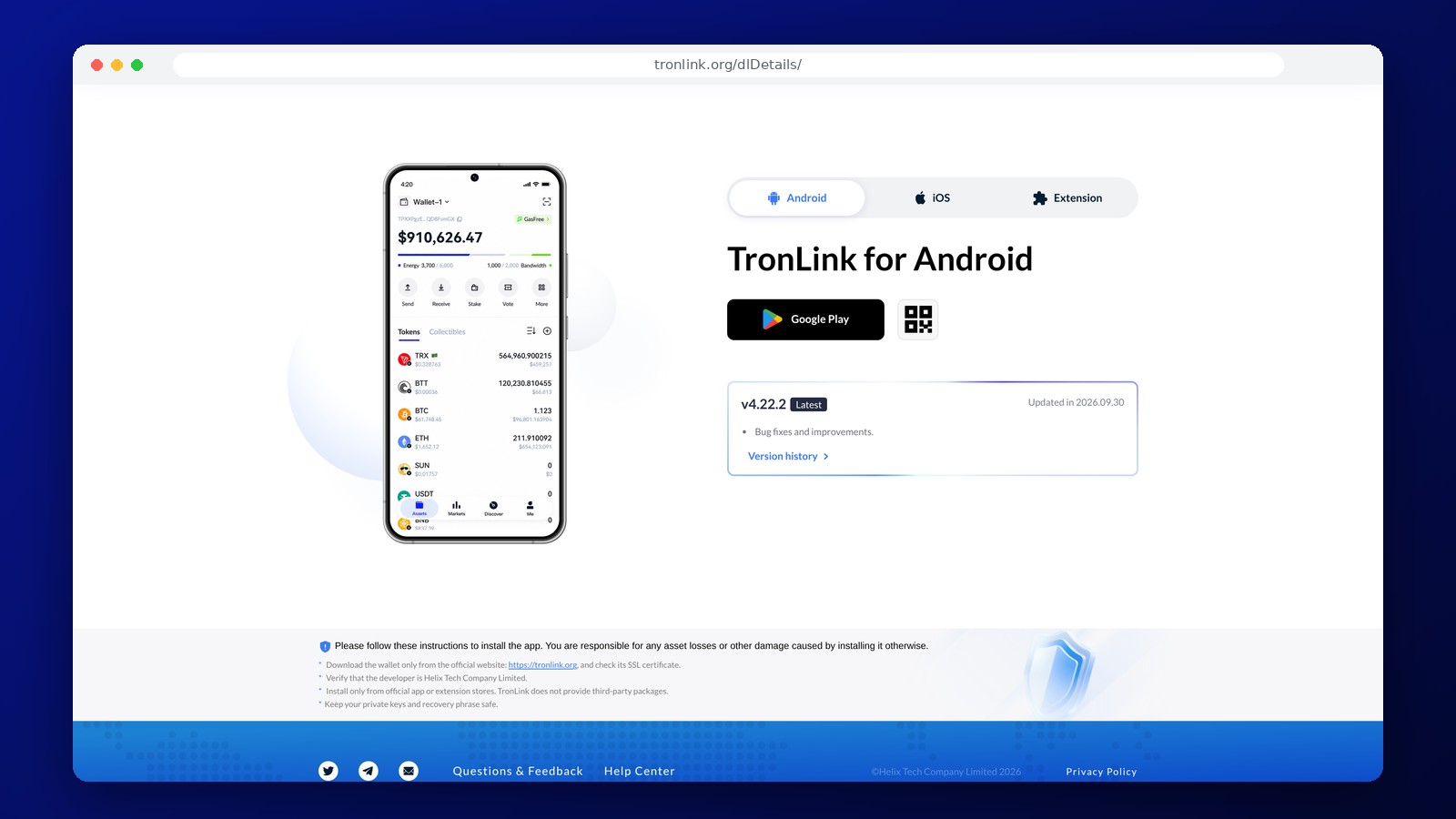
TronLink is a non-custodial crypto wallet for the TRON blockchain, primarily used for TRX, USDT (TRC-20), and other tokens on this network. It is available as a mobile app and a browser extension. The keys remain under the owner’s control, and the wallet signs transactions and connects to TRON applications without storing funds in an exchange account.
TRC-20 USDT and TRON Addresses
To receive USDT on the TRON network, a TRON address is used, which typically begins with the letter T. Compatible TRC-20 tokens can be sent to this address, but it is not equivalent to an ERC-20 USDT address on Ethereum or a USDT token on TON. When withdrawing from an exchange, you must select the TRON/TRC-20 network. If the sender specifies a different network, the funds may not appear in TronLink, and recovery may be difficult or impossible.
TronLink supports TRX, TRC-20 tokens, and other TRON network standards. Through the built-in browser and connection to dApps, you can interact with smart contracts, exchanges, and DeFi services. The browser extension also supports some other networks, including Ethereum, BSC, and BTTC, but the set of available features depends on the app version. TronLink’s primary purpose remains tied to the TRON infrastructure.
How USDT Transfer Fees Are Calculated
TRON uses two main resources: Bandwidth covers the transaction size, while Energy covers smart contract computations. A simple TRX transfer primarily consumes Bandwidth. A TRC-20 USDT transfer calls the token contract and therefore requires Energy. If there are insufficient resources, the network deducts TRX based on current parameters. The amount deducted depends on the transaction and current network conditions; TronLink does not set a flat fee for each transfer.
You can obtain resources by staking TRX or delegating it to an address. For frequent transfers, this can reduce TRX spent on fees, but requires an understanding of the rules for locking and returning resources. For a one-time transfer, it’s easier to check your available Energy and Bandwidth immediately before signing the transaction and leave a small balance of TRX. If you don’t have enough funds or resources, the transaction may fail.
Setting Up a Wallet and Protecting Keys
You can set up a TronLink account without registering a bank account or submitting a passport for basic cryptocurrency operations. During setup, a private key and a recovery phrase are generated. These must be stored off the device, preferably in several physically separate, secure locations. Support teams and third-party websites should not have access to this information.
After installation, make sure you’ve downloaded the genuine TronLink app. Fake extensions and mobile installation files may steal your private data even before your first transaction. For regular use of DeFi, it’s advisable to use a separate address with a limited balance so that connecting to an unknown contract doesn’t put your entire reserve at risk.
Transactions with TRON Apps and Permissions
Interacting with a dApp involves confirming not only the transfer of funds but also token permissions. One common risky action is granting a smart contract the ability to dispose of an unlimited amount of USDT. Before signing, you must verify the contract address, the amount, and the purpose of the transaction. An unfamiliar token that accidentally appears in your wallet is not proof of available funds: this is how fraudulent tokens and links are distributed.
TronLink is compatible with certain hardware solutions, including Ledger, provided the appropriate connection method is supported. This is useful if you want to keep the private key for large amounts of funds off your regular smartphone. You still need to verify the network and contract parameters when confirming a transaction.
Deposits and Withdrawals to a Card
To deposit funds into TronLink, simply receive TRX or a supported token at your TRON address. The blockchain does not support direct transfers of USDT to a Russian bank card. To receive rubles, you’ll need an independent exchange or trading service that supports TRC-20 and your preferred payment method. Such a service may require identity verification and charge its own fees. Creating a TronLink account without KYC does not mean you can sell cryptocurrency anonymously.
Frequently Asked Questions
Which network should I choose for USDT in TronLink?
TRON/TRC-20. The sender must use the same network, and Energy/Bandwidth or TRX will be required to execute the outgoing transaction.
How much does a TRC-20 USDT transfer cost?
The cost depends on TRON’s resources and network conditions. If there is insufficient Energy or Bandwidth, TRX will be deducted from your balance. TronLink does not charge a fixed fee for each transfer.
Can I open a TronLink account without KYC?
Yes. No ID is required to create a non-custodial address. Terms may vary when buying or withdrawing through an external provider.
Does TronLink work with Ledger hardware wallets?
Ledger support is available in compatible versions of TronLink. Be sure to check the list of supported devices and operations when selecting a connection method.
Editor’s Opinion
TronLink is particularly useful for those who regularly send TRC-20 USDT, work with TRX, or use TRON smart contracts. What sets it apart from universal wallets is its direct access to Energy and Bandwidth resources, without which it’s difficult to control the actual cost of transfers. Before making your first large deposit, it’s a good idea to check the network and perform a test transaction. If you make a lot of transfers, it makes sense to familiarize yourself with the mechanisms for obtaining Energy; for infrequent transactions, it’s sufficient to check the fee before confirming. TronLink does not replace a multi-currency wallet for all blockchains and does not offer direct bank withdrawals. To store significant amounts, it’s wise to use a separate, secure address and, if possible, hardware verification.
Ask a question to a company representative