

Ozon Bank Virtual Card: Fees and Limits
 Type
Type Payment system


Ozon Bank
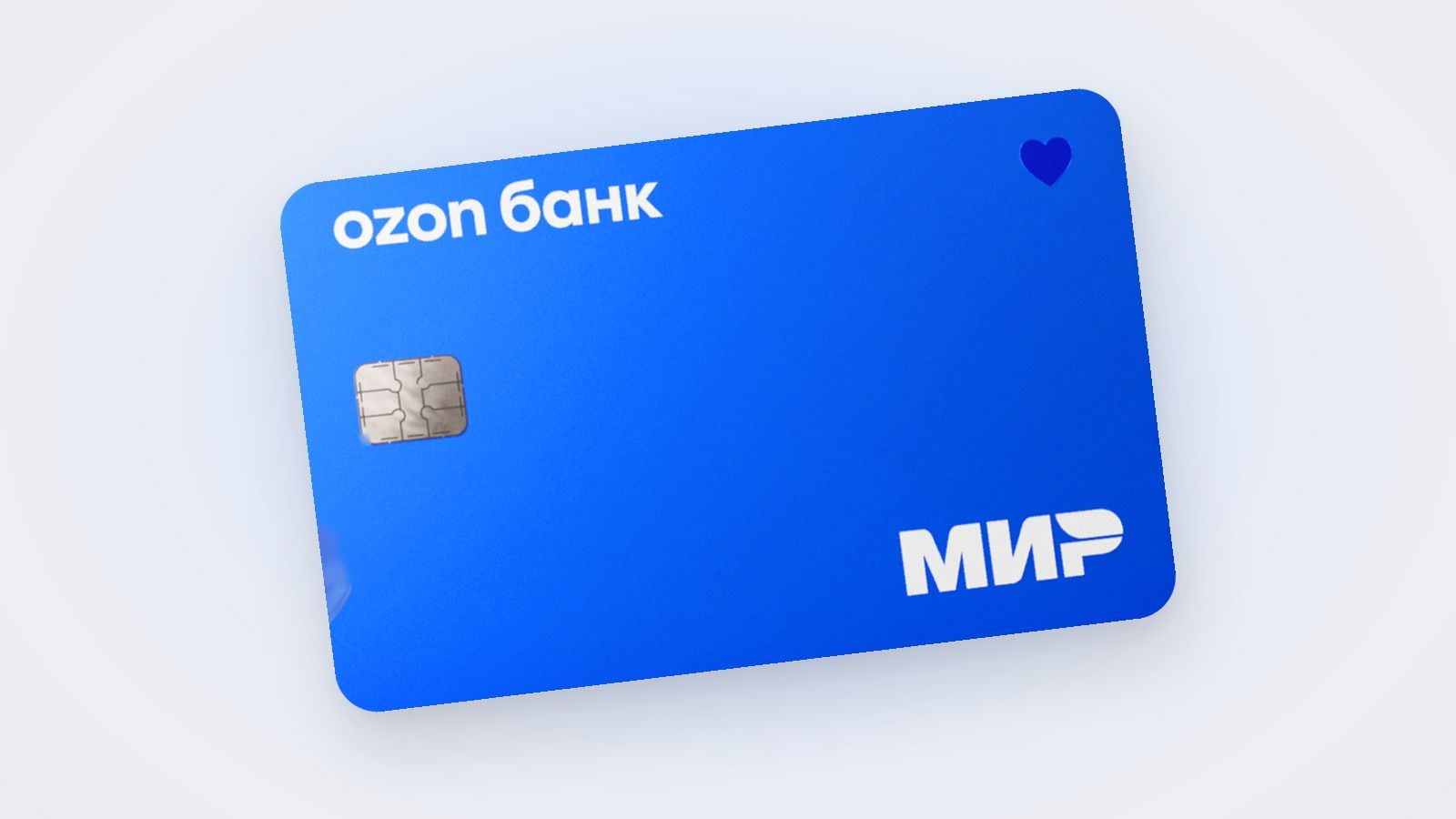
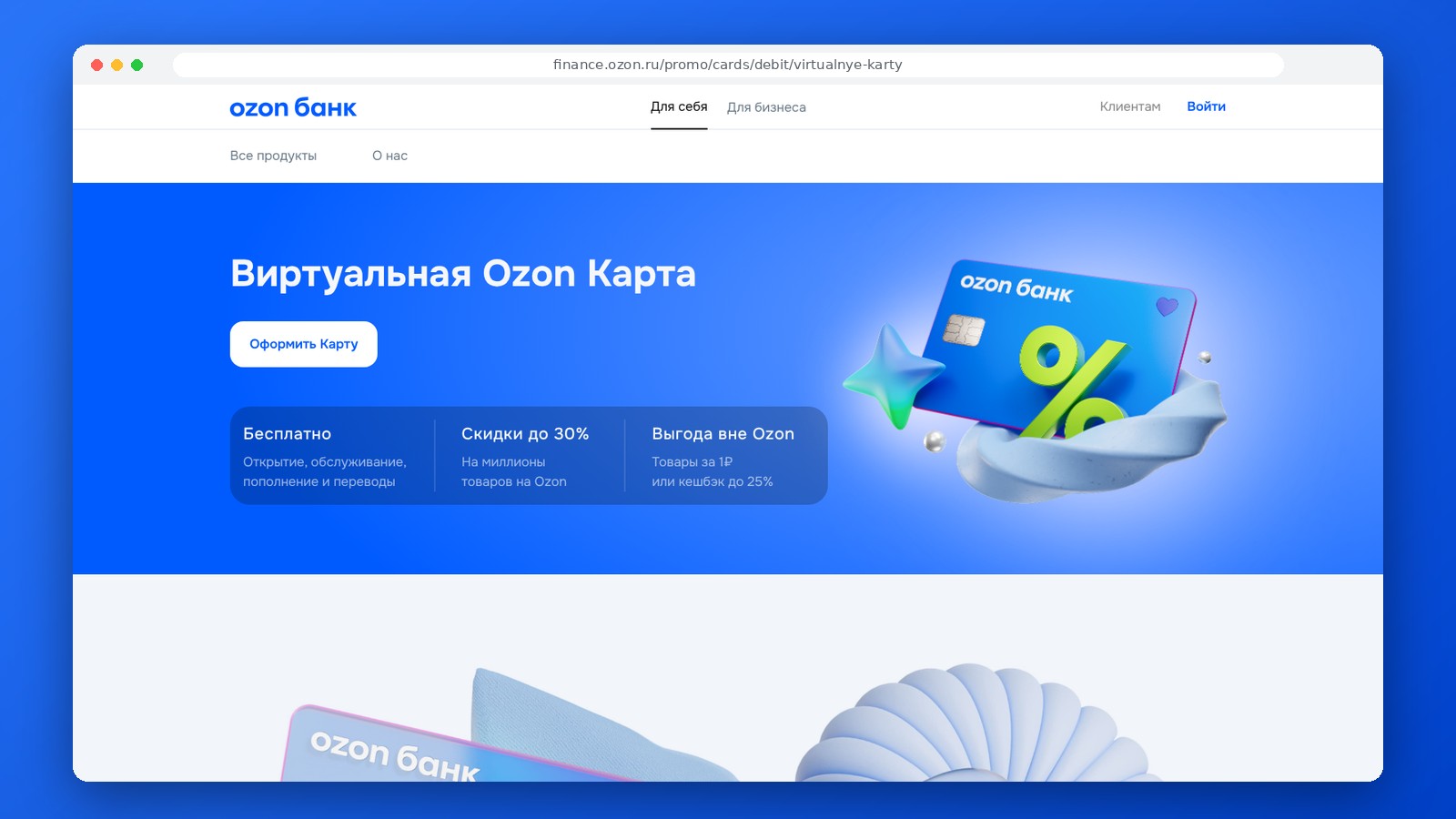
The Ozon Virtual Card remains part of Ozon Bank’s banking products. The card is issued remotely and is available in digital form without the need to receive a physical card. The account details are displayed in the bank’s online account management portal after issuance.
The limits and terms of use for the Ozon Card are current as of November 2026.
The features of the Ozon Card depend on the account tier. With an Anonymous account, you can hold up to 15,000 rubles and spend up to 40,000 rubles per month; transfers are not available. After upgrading your account tier, the limits increase and additional banking services become available.
What to keep in mind about the card:
- The card is issued online;
- account details are available in the app or your personal account;
- the card works within the Russian payment infrastructure;
- limits depend on your account status;
- transfers and some transactions become available after the required identification;
- If necessary, you can apply for a "Mir" plastic card.
After initial setup, an Anonymous Account is active: you can hold up to 15,000 rubles in it and spend up to 40,000 rubles per month. Transfers from this account are not available. To increase your limits and enable transfers, you need to upgrade your account level in the Ozon Bank app.
Deposits are made through Ozon Bank’s available channels. Once the funds are credited, they are available for payments using the virtual card within the established status and limits. Before transferring a large amount, check the current limits in the app, as they depend on your account tier and applicable banking regulations.
It’s important to distinguish between the virtual Ozon Card and older products in the Ozon ecosystem. Search results may still show previous terms, bonus programs, and product descriptions that have since changed. For the catalog card, you should only use the current Ozon Bank pages and the latest fee schedules.
For online purchases, the virtual card is sufficient: it has a number, expiration date, and security code. For offline payments, you’ll need a supported contactless payment method or a physical card. Mir Pay is suitable for contactless payments on compatible Android devices; the availability of payment features may vary depending on the terms of the payment services.
Before applying, check:
- your current account balance;
- balance limit;
- transaction limits;
- transfer capabilities;
- available deposit methods;
- terms for issuing a debit card;
- applicable fees.
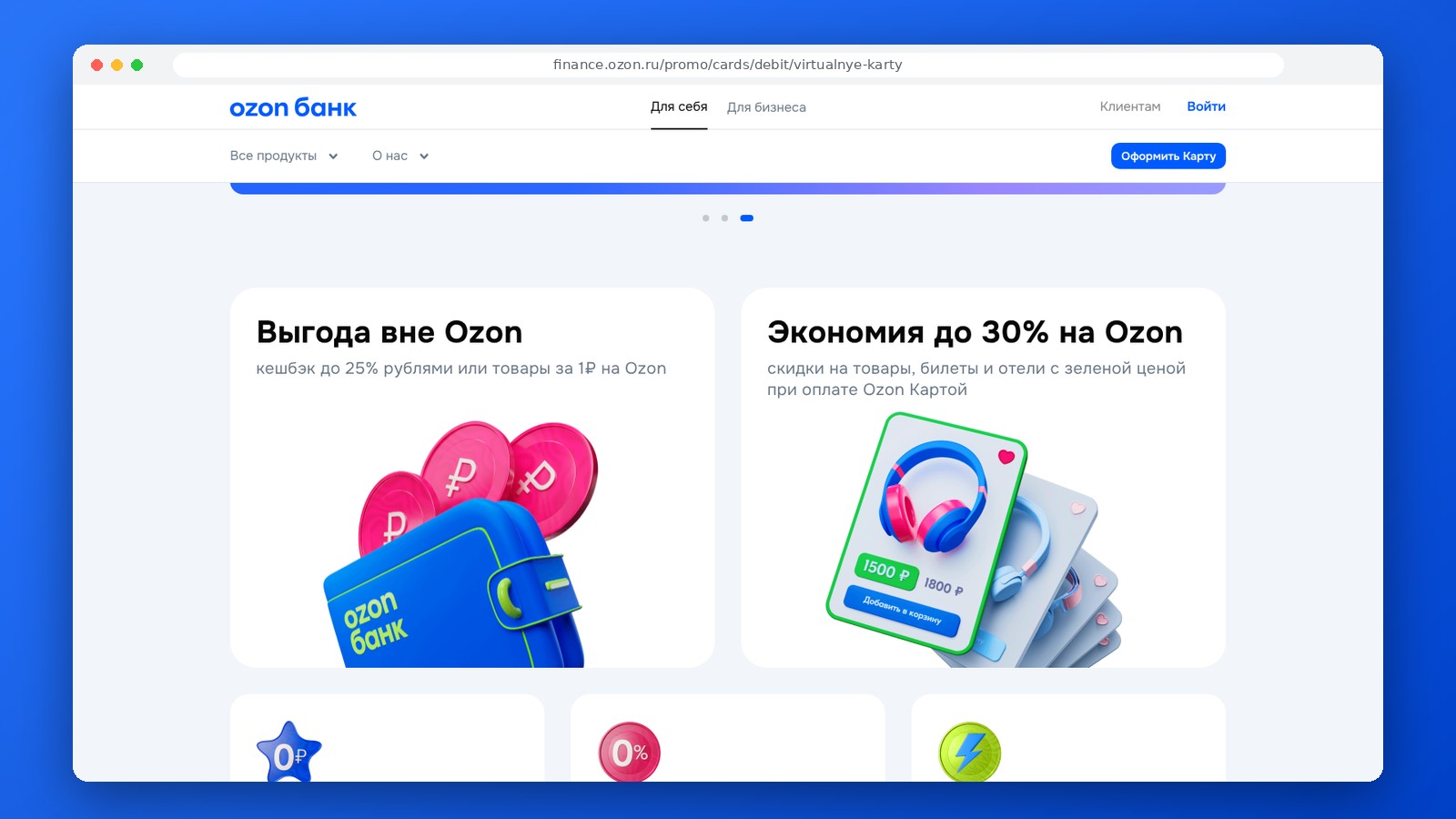
The fact that the card is issued free of charge does not mean there are no fees for all transactions. Certain transfers, special transactions, or services may be subject to fees in accordance with the bank’s policies. It is best to refer to Ozon Bank’s current fee schedule for all specific amounts, rather than outdated overviews.
Standard bank card security rules apply. Do not store your card details in plain text or share them with third parties. If you suspect a data breach, you should block the card through the bank’s online portal and contact customer support.
The Ozon Virtual Card is convenient because it can be issued without waiting for a physical card. However, the actual range of features is determined not by the virtual format itself, but by the status of your bank account. A basic account level is sufficient for purchases, but for transfers and higher limits, you’ll need to upgrade your account and complete identity verification.
Questions and Answers
Do I need to visit a branch to apply for a virtual Ozon Card?
No. You can apply remotely via the Ozon Bank website or app.
Can I transfer money from an anonymous account?
The capabilities of an anonymous account are limited. To make transfers and access a wider range of transactions, you’ll need to upgrade your account and complete the necessary identity verification.
Where can I find my card details?
Your card number, expiration date, and security code will be available in your Ozon Bank account dashboard after the card is issued.
Can I get a physical card?
Yes. Ozon Bank offers the “Mir” plastic card. Please check the app or the current product page for ordering and receipt terms.
Editor’s Opinion
The Ozon Virtual Card is particularly convenient for those who already actively use Ozon and want to obtain their bank details without having to visit a branch. The product is straightforward to get started with, but its capabilities depend heavily on your account tier. The range of available transactions depends directly on your account tier: the anonymous tier is significantly limited, while more familiar banking features become available after verification. For online shopping, the card is straightforward and convenient, but issues regarding transfers, limits, and additional transactions are best evaluated based on your specific account status. It’s best not to use the Ozon Card under the old terms without double-checking them first. For those who need transfers and higher limits, identity verification effectively becomes a mandatory part of the product. Therefore, it’s better to compare the Ozon Card with a regular debit card only after upgrading your account tier.
Ask a question to a company representative